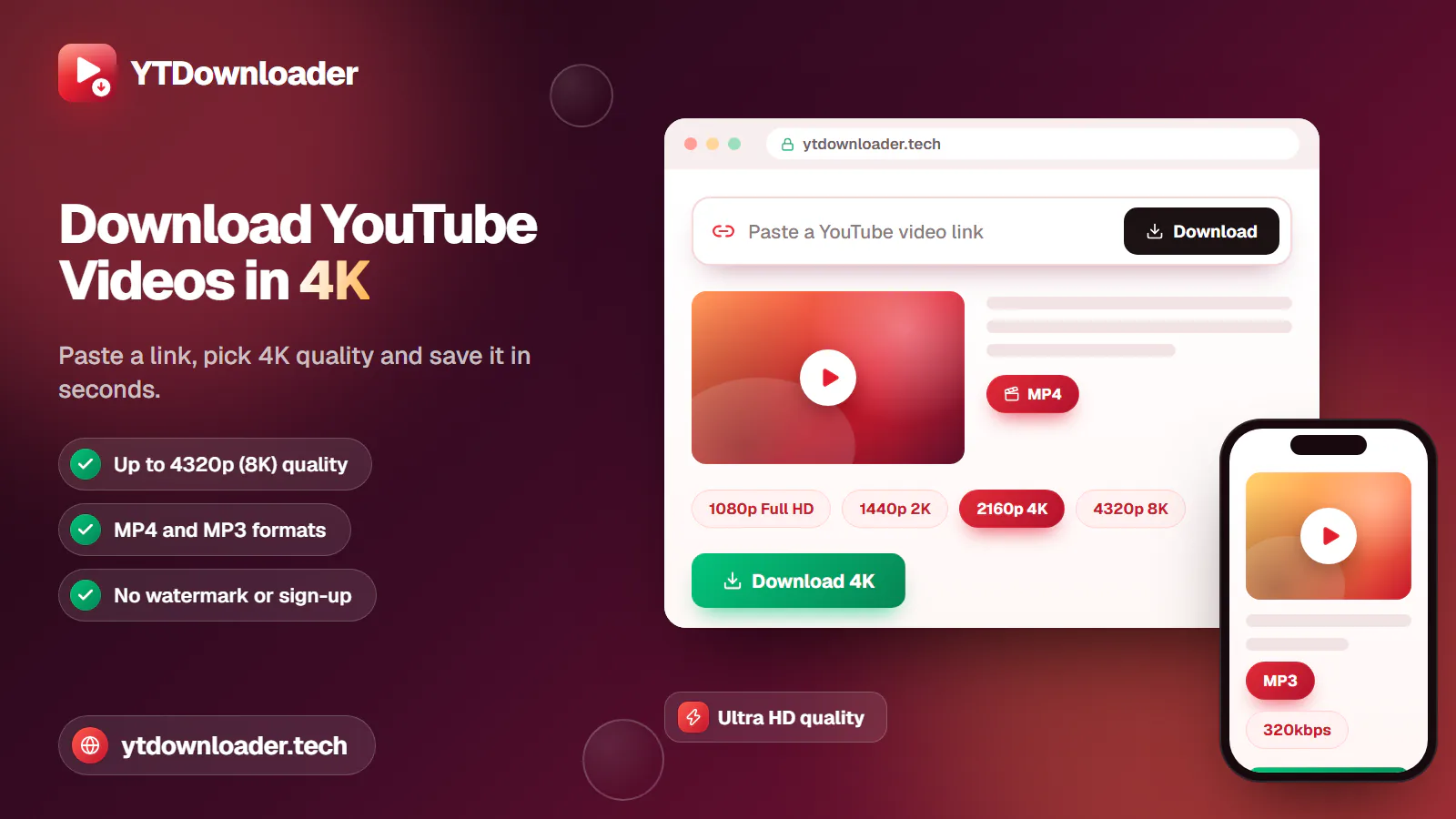
How to Download YouTube Videos in 4K
Save YouTube videos and playlists in up to 4K and convert them to MP3 instantly — free, with no watermark, sign-up or daily limit.
6 min read
Save YouTube videos and playlists in up to 4K and convert them to MP3 instantly — free, with no watermark, sign-up or daily limit.
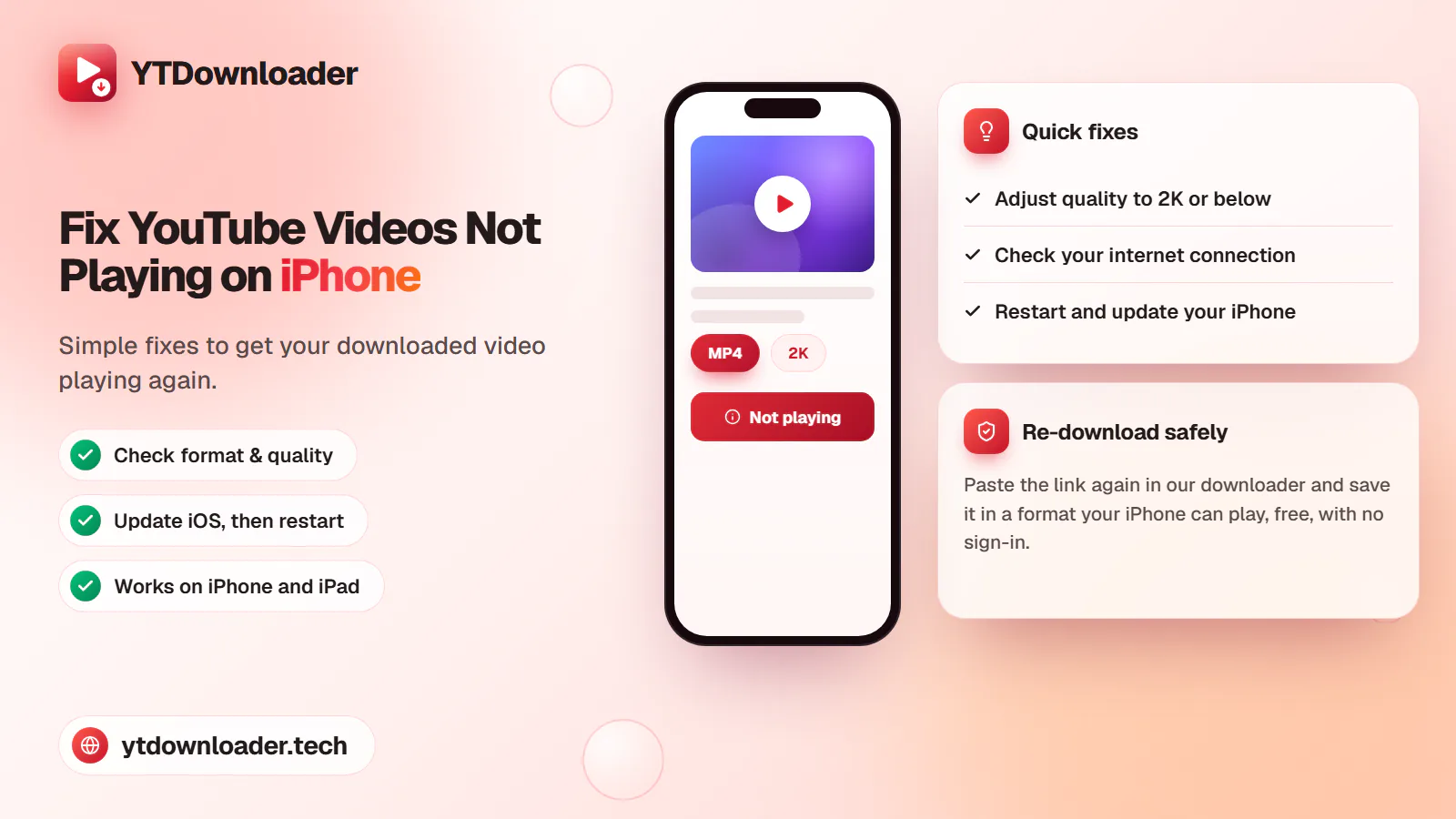
A downloaded YouTube video not playing on iPhone is a quick fix — here's why it happens and how to save videos that play every time.
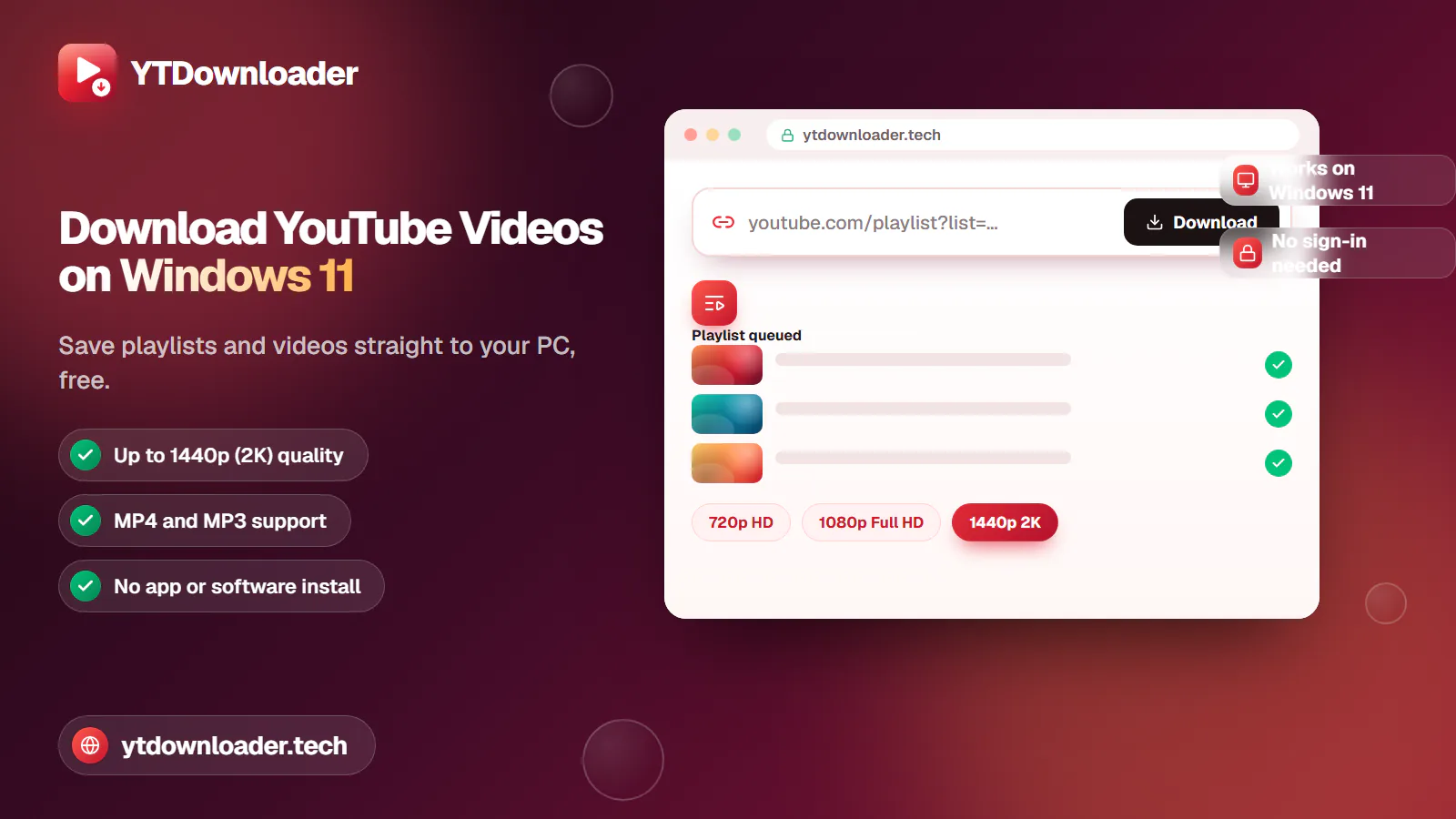
Save entire YouTube playlists and videos on Windows 11, up to 2K Ultra HD, without personal information, an app install or daily limits.
Convert YouTube videos, Shorts and playlists to MP3 audio up to 320 kbps on iPhone, Android, Windows or Mac — free, with no sign-in or software install.
Tested for ads, malware and quality limits — see why our free YouTube downloader saves videos, music and entire playlists up to 4K, with no sign-up.
Guides
Save entire playlists and videos on Windows 11, up to 2K Ultra HD, without pop-up ads, a paid subscription or YouTube Premium.
Quick answer
Copy the link of the YouTube video or playlist you want, paste it into our YouTube Video and Shorts Downloader, choose MP4 or MP3 and a quality up to 2K Ultra HD, then press Download. The file saves straight to your Windows 11 PC or laptop — free, with no app install, sign-in or paid subscription.
| Price | Free, no sign-up needed |
|---|---|
| Quality | 144p up to 1440p (2K Ultra HD) |
| Device | Windows 11 PC and laptop |
| Formats | MP4 video and MP3 audio |
| Software | None — works in any browser |
Discover how to save YouTube videos directly on a Windows 11 device without pop-up ads, a paid course subscription or YouTube Premium. Whether you want short clips, educational tutorials or full content for smooth offline viewing, our YT video downloader is a completely free tool to export entire playlists in ultra quality, without daily limits, directly on your PC or laptop.
It's a safe platform to export videos without any personal information or sign-in — just copy and paste the URL and click Download. Other platforms, like browser extensions, can be faulty and risky for your device, and often require a paid monthly subscription.
On your PC
You can download MP4 for HD video or MP3 for audio extraction — educational tutorials, music videos, podcasts and full playlists — from 720p and 1080p Full HD up to 2K Ultra HD on Windows 11, without limits, sign-in, a paid subscription or restrictions, through our YT video and Shorts downloader.
Step by step
Open our platform.
Copy the content's URL that you want for offline viewing.
Paste the URL into our downloader box.
Select the format and quality.
Click the Download button.
Get your favourite content directly on your PC or laptop.
Formats
MP4 files export in 144p, 240p, 360p, 480p, 720p (HD), 1080p (Full HD) and 1440p (2K Ultra HD), straight to your device.
MP3 files convert at 64, 96, 128, 192, 256 or 320 kbps — copy and paste the link, pick a format, and enjoy content instantly.
Options
Software or apps that export video up to 8K and allow entire playlists, but require an install first.
The fastest one-click option, but usually without playlist support or high-quality resolution.
No paid subscription needed, but many hide fake download buttons and collect personal information.
Save videos, music and entire playlists safely, with no fees, restrictions or daily limits — just copy and paste the link.
Troubleshooting
Copy the correct URL of the video and paste it into our downloader box.
Check that you've copied the entire link, not just part of it.
Make sure your internet access is stable during the download.
Choose a safe platform for downloading — ours asks for no personal information or sign-in.
Pros
A secure platform that respects your privacy.
Saves your internet — no repeated re-downloads from a broken link.
Downloads videos without any third-party app.
You can save videos without signing in.
Free access to every tool, without daily limits.
Cons
Our platform doesn't install on your device as a standalone app.
The downloader doesn't provide 4K, 8K or 16K quality.
History isn't saved on our platform — closing the tab means starting the process again.
In short
Downloading YouTube videos on Windows 11 is quick and secure through our YT downloader — save videos, music and entire playlists for education, creative work or casual viewing, directly on your device, in up to 1440p (2K), without restrictions. Open our platform, make sure your connection is good, and download for smooth offline viewing whenever travel or a poor connection gets in the way.
Questions
Yes — you can download your own content, or content you have permission to save, for educational, work and business purposes, directly through our platform.
You can download videos without an app or software install through our platform, completely free and secure.
Our YouTube Video and Shorts Downloader is a safe, free tool for Windows 11, with access to every feature at no cost.
Audio and video sometimes save as separate streams on very high resolutions; copy the complete URL and re-download through our platform to get both together.
You can save videos directly to your PC or laptop's folders or gallery through our YT platform.
Yes — you can download entire playlists in high-definition quality instantly and securely, without a paid subscription.
Paste a YouTube link and save it to your PC in seconds, up to 2K Ultra HD.