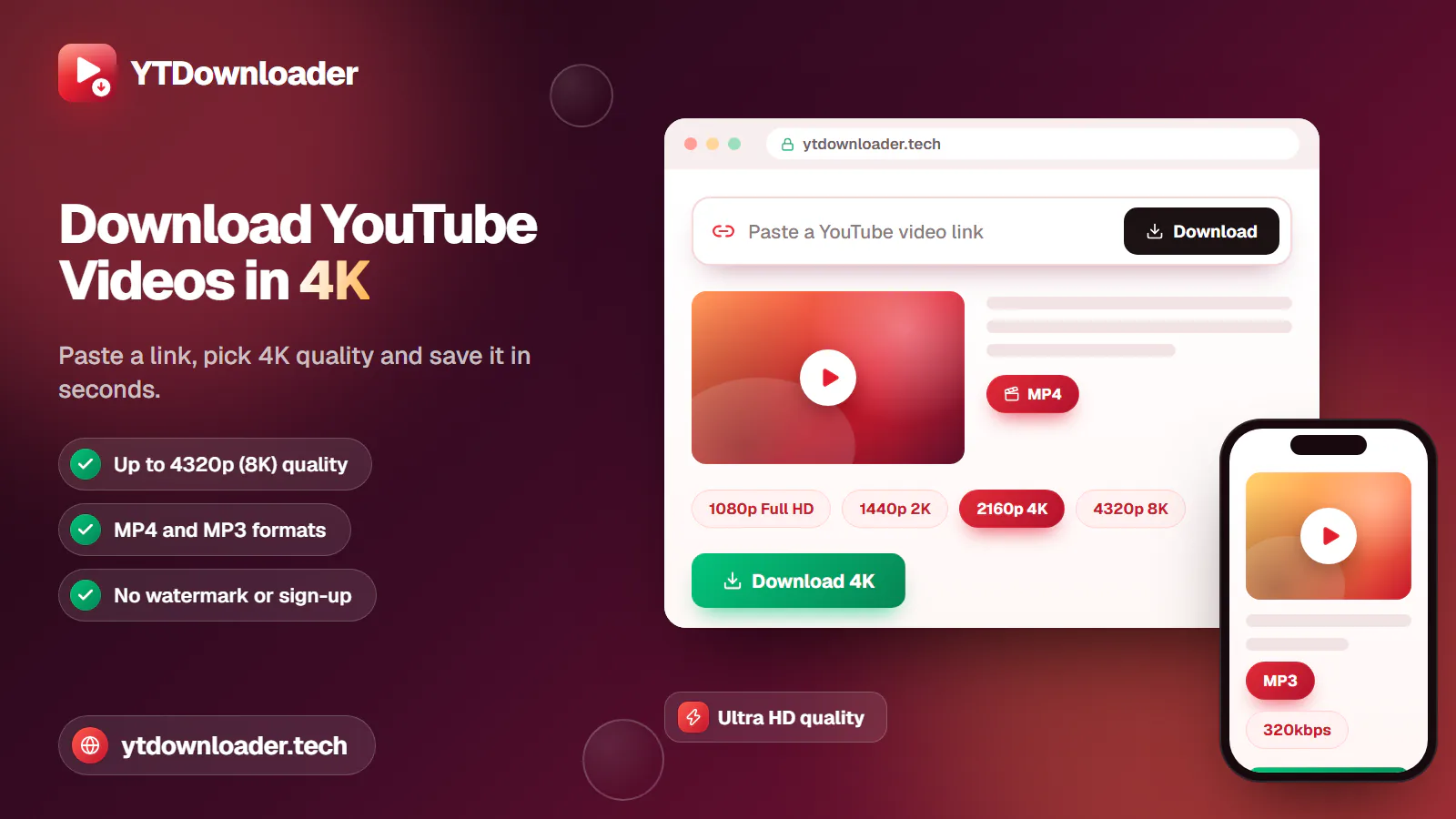
How to Download YouTube Videos in 4K
Save YouTube videos and playlists in up to 4K and convert them to MP3 instantly — free, with no watermark, sign-up or daily limit.
6 min read
Save YouTube videos and playlists in up to 4K and convert them to MP3 instantly — free, with no watermark, sign-up or daily limit.
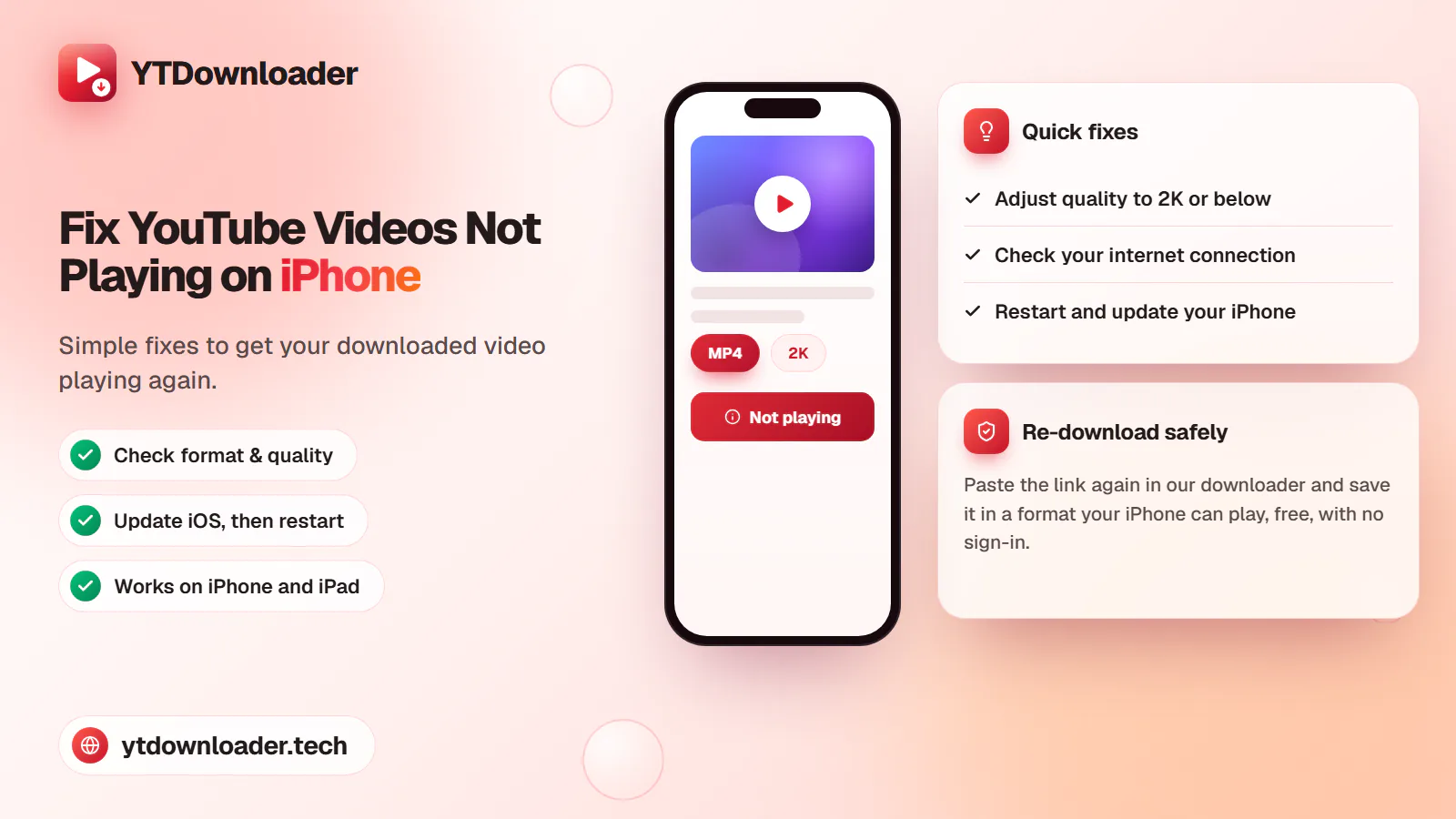
A downloaded YouTube video not playing on iPhone is a quick fix — here's why it happens and how to save videos that play every time.
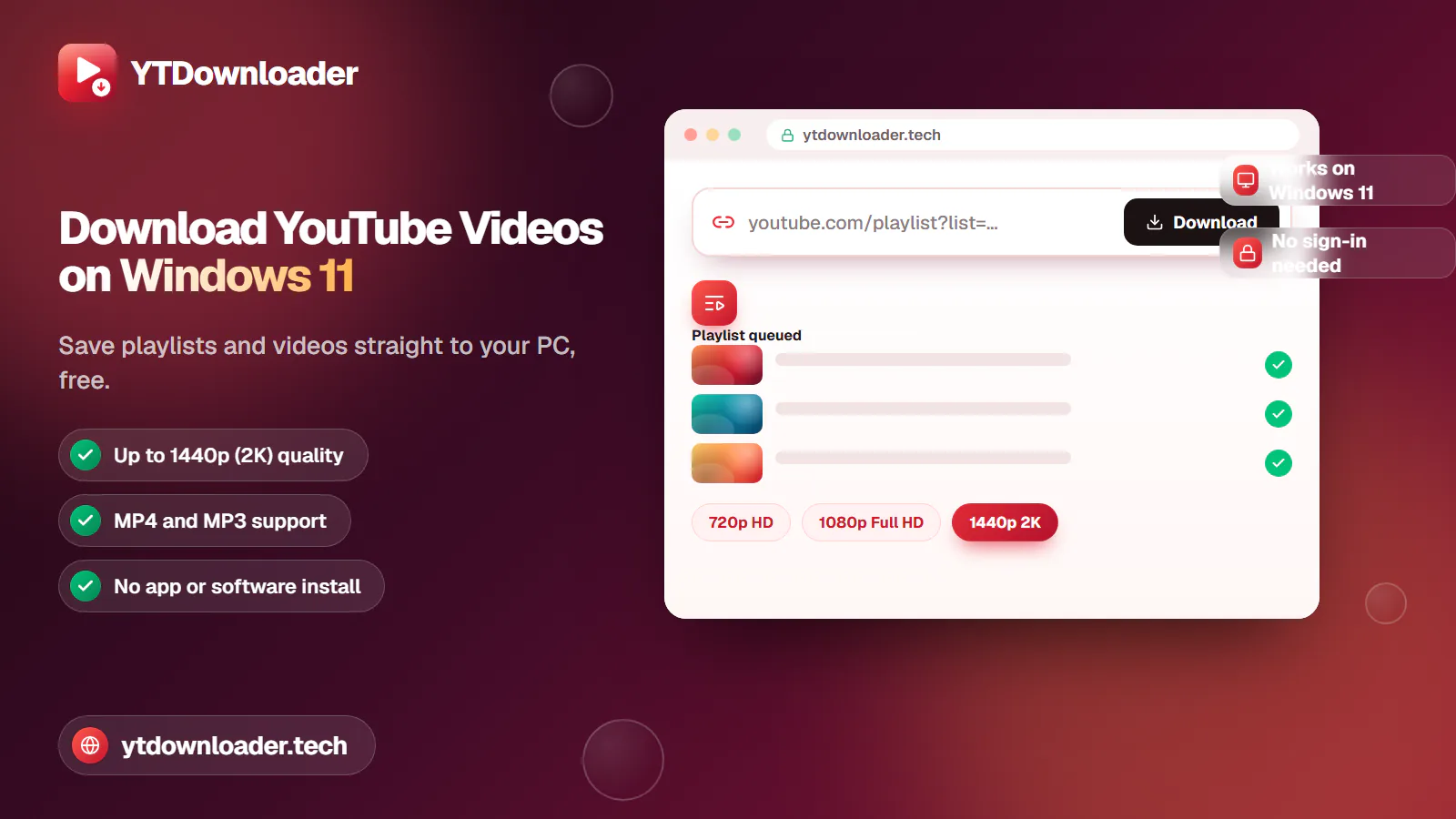
Save entire YouTube playlists and videos on Windows 11, up to 2K Ultra HD, without personal information, an app install or daily limits.
Convert YouTube videos, Shorts and playlists to MP3 audio up to 320 kbps on iPhone, Android, Windows or Mac — free, with no sign-in or software install.
Tested for ads, malware and quality limits — see why our free YouTube downloader saves videos, music and entire playlists up to 4K, with no sign-up.
Troubleshooting
A downloaded YouTube video not playing on your iPhone is usually a temporary issue, and solving it is quick and easy for smooth offline streaming.
Quick answer
A downloaded YouTube video usually won't play on iPhone because of an unsupported format, a weak connection, low storage, a Safari cache buildup or outdated iOS software. Open our YouTube Video and Shorts Downloader, copy the link, paste it in, and download it again in a standard quality up to 2K — no app or sign-in needed.
| Common cause | Unsupported format, weak signal or low storage |
|---|---|
| Fix time | Under a minute, in most cases |
| Devices | iPhone and iPad |
| Software needed | None |
| Max quality on mobile | Up to 2K standard formats |
These issues usually happen with unsupported formats, or from converting content into high-quality formats that don't work on mobile web quality. Enjoy your own content in MP4 and MP3 formats directly on your iPhone or iPad through our YT video downloader, without personal information, an app, or a paid subscription.
Open our free tool, copy the content's link, and paste it into our downloader box. Click Download, and get high-definition video up to 2K directly in your iPhone gallery for offline viewing, without any rules or restrictions.
Common causes
Unsupported video formats — web-based quality doesn't always play on mobile.
App memory glitches that interrupt playback mid-video.
Safari cache buildup slowing down or blocking saved content.
Low storage space leaving no room to load the file properly.
A weak internet connection interrupting the download or playback.
Outdated iOS software that no longer matches the video's format.
Methods
Copy the correct URL — close and reopen the YouTube app, copy the content's link again, and paste it into our downloader before pressing Download.
Adjust video quality — web quality like 4K and 8K isn't supported on iPhone or iPad, so choose a standard quality up to 2K instead.
Check your internet connection — a poor connection or low signal is a common cause of a failed download; confirm your connection is fast and try again.
Restart your iPhone — a glitched or hung device can block playback; a quick restart often saves the video flawlessly on the next try.
Update your iPhone — some video formats don't work on an outdated version, so update to the newest iOS before downloading again.
Reset your iPhone's video settings — check that the app has permission to save videos to your gallery, so downloads complete instantly.
Choose the best downloader — save videos through a safe platform that doesn't ask for restrictions or personal information, like our YT Video and Shorts Downloader.
In short
Getting videos to play flawlessly on iPhone or iPad is quick once you know where to look. Make sure your connection is good and your device is updated, copy the correct video URL, and you can easily download videos directly to your gallery through our downloader. Web quality like 4K and 8K isn't supported on iPhone or iPad — choose our YT video downloader for instant, safe downloads in a quality your device can actually play.
Questions
This is usually due to unsupported formats and codecs; you can save videos again through our downloader, instantly and flawlessly.
A standard format is best for iPhone, since web-based quality isn't built for mobile playback — download a standard quality through our free platform.
Low Power Mode limits background activity and can cause glitches during offline playback, so turn it off in Settings before watching your saved video.
Update to the newest iOS version and clear Safari's cache — an outdated system or a cache buildup is often what's still blocking playback after a restart.
Yes — a weak or unstable connection can interrupt the download itself, leaving an incomplete file. Confirm your connection is stable, then download the video again.
Paste a YouTube link and download it again in a quality built for your iPhone.