Für jedes Gerät
Funktioniert in jedem Browser — auf Android, iPhone, PC und Mac, ohne separate App.
Kurzantwort
Kopiere den Link des YouTube-Videos, füge ihn in unseren YouTube Downloader ein, wähle MP4 oder MP3 und eine Qualität bis zu 4K, und klicke auf Herunterladen. Die Datei wird direkt auf dein Smartphone, iPhone oder deinen PC gespeichert – kostenlos, ohne Anmeldung und ohne Wasserzeichen.
| Preis | Kostenlos, keine Anmeldung nötig |
|---|---|
| Formate | MP4-Video und MP3-Audio |
| Qualität | 360p bis 2160p 4K |
| Geräte | Android, iPhone, PC und Mac |
| Software | Nicht nötig — läuft im Browser |
Du suchst einen YouTube Downloader kostenlos, ohne Werbung und ohne Software-Installation? YTDownloader läuft direkt im Browser: Link einfügen, Format wählen, herunterladen.
Egal ob Android, iPhone, PC oder Mac — der Downloader funktioniert überall gleich, ganz ohne Konto oder persönliche Daten. Öffne die Seite einfach in Chrome, Safari, Firefox oder Edge und lade Videos, Shorts oder ganze Playlists herunter.
Funktionen
Funktioniert in jedem Browser — auf Android, iPhone, PC und Mac, ohne separate App.
Videos als MP4 speichern oder direkt als MP3-Audio bis 320 kbps konvertieren.
Kein Konto, keine persönlichen Daten und kein Wasserzeichen auf der Datei.
Kein Abo, keine versteckten Kosten und ein schneller Download bei jedem Video.
Schritt für Schritt
Vorteile
Videos einmal herunterladen und später offline ansehen, ganz ohne Internetverbindung.
Vorträge, Tutorials und Musik für den Offline-Gebrauch speichern.
Auch YouTube Shorts und ganze Playlists lassen sich auf einmal herunterladen.
Keine Software-Installation bedeutet kein zusätzlicher Speicherplatz auf dem Gerät.
Fragen
Ja — die Nutzung ist zu 100 % kostenlos, ohne Abo, versteckte Kosten oder Download-Limit.
Nein — der Downloader läuft direkt im Browser, es ist keine Installation nötig.
Ja — wähle vor dem Download einfach MP3 statt MP4, die Audiodatei wird mit bis zu 320 kbps gespeichert.
Ja — öffne die Seite im Browser deines Android- oder iPhone-Geräts und lade das Video direkt herunter.
Nein — es gibt kein Tageslimit, du kannst so viele Videos herunterladen, wie du möchtest.
Link einfügen und in Sekunden herunterladen — kostenlos, ohne Installation.
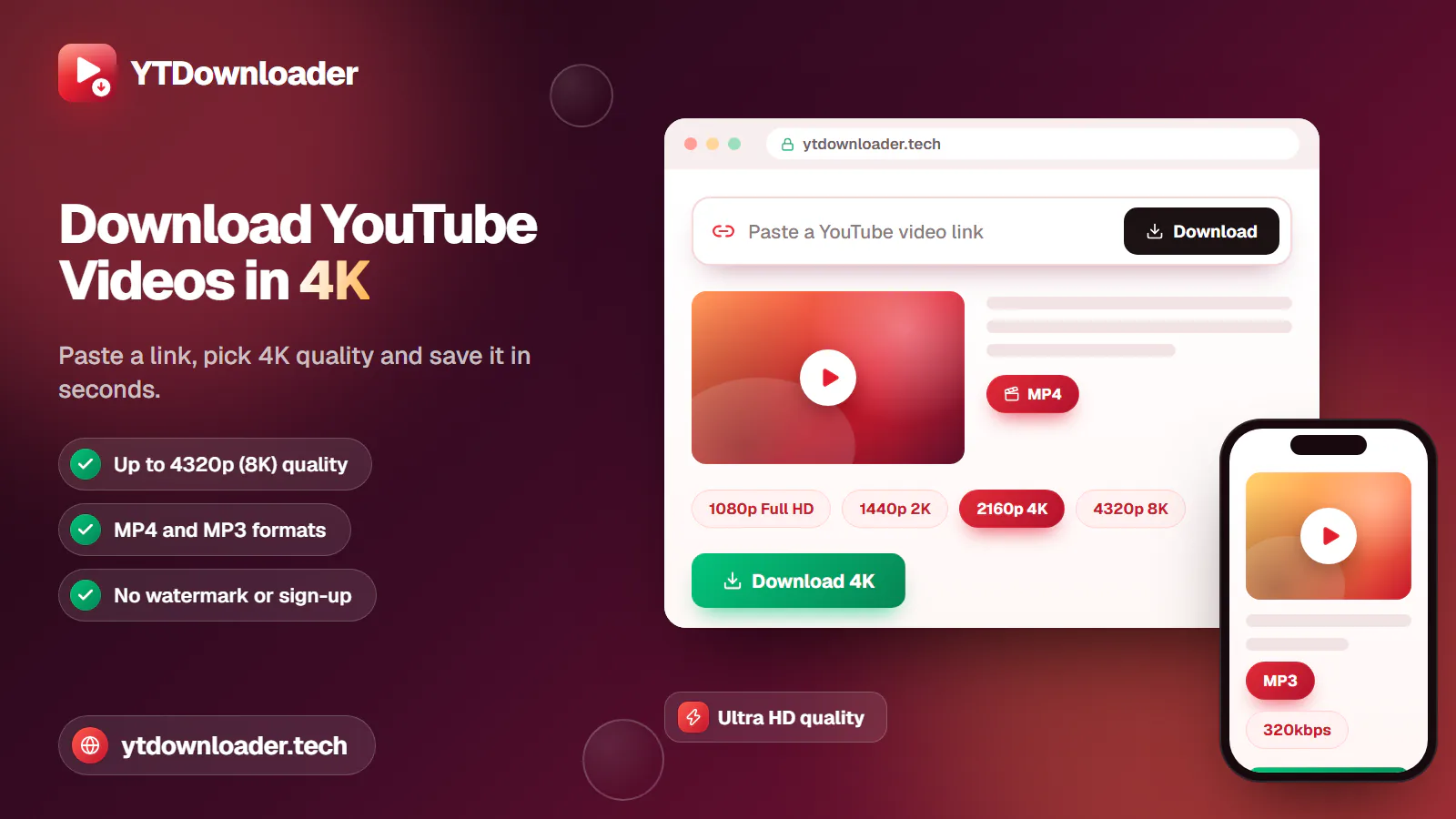
Save YouTube videos and playlists in up to 4K and convert them to MP3 instantly — free, with no watermark, sign-up or daily limit.
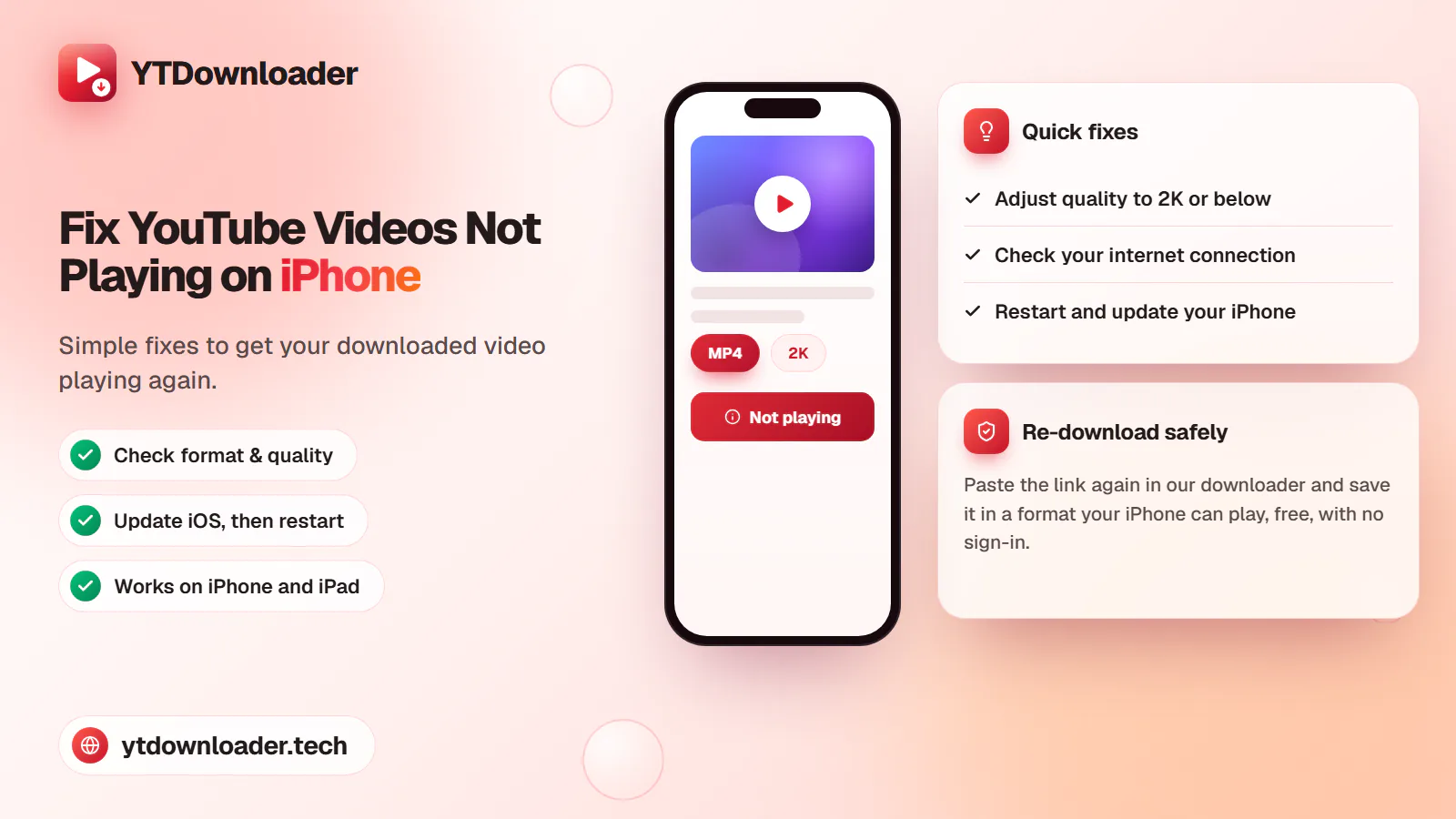
A downloaded YouTube video not playing on iPhone is a quick fix — here's why it happens and how to save videos that play every time.
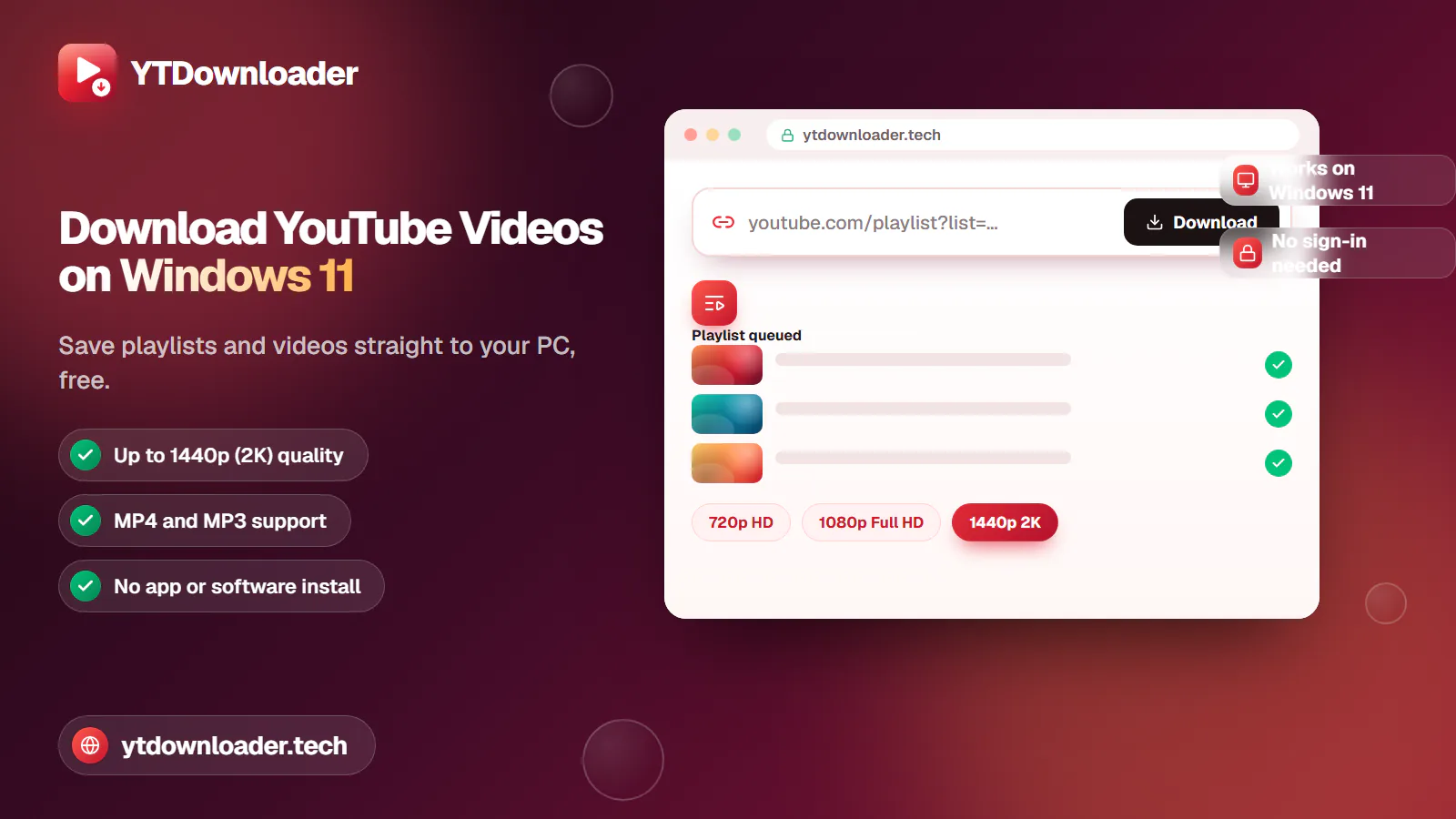
Save entire YouTube playlists and videos on Windows 11, up to 2K Ultra HD, without personal information, an app install or daily limits.
Convert YouTube videos, Shorts and playlists to MP3 audio up to 320 kbps on iPhone, Android, Windows or Mac — free, with no sign-in or software install.
Tested for ads, malware and quality limits — see why our free YouTube downloader saves videos, music and entire playlists up to 4K, with no sign-up.