No Account Needed
No sign-up, no email address and no personal information collected.
Quick answer
YTDownloader is a free, browser-based YouTube downloader that doesn't ask for an account, an email address or any personal details. Paste a YouTube link, choose MP4 or MP3, and save it in a quality up to 4K — on iPhone, Android or PC, with no watermark and no sign-up required.
| Price | Free, no sign-up needed |
|---|---|
| Data collected | None — no account required |
| Formats | MP4 video and MP3 audio |
| Devices | iPhone, Android and PC |
| Watermark | None |
Most "free" downloaders ask you to sign up, hand over an email address, or sit through ad redirects before you ever see a download button. YTDownloader skips all of that — paste a link, pick a format, and the file saves straight to your device.
It's built to work the same way across iPhone, Android and desktop, in whichever browser you already use, without an account or any personal information collected along the way.
Key features
No sign-up, no email address and no personal information collected.
Save the full video as MP4, or convert straight to MP3 up to 320 kbps.
Works the same way in any browser, on any device.
No subscription, no hidden fee, and a quick download every time.
Step by step
Benefits
No account or personal data collected, unlike many "free" alternatives.
Save lectures, podcasts and tutorials for offline listening on the commute.
Download full playlists in one pass, not one video at a time.
No app install means no extra storage used on your phone.
Questions
No — there's no sign-up, account or email address required at any point.
Yes — it's 100% free, with no subscription or hidden charges.
Yes — choose MP3 instead of MP4 before downloading, up to 320 kbps.
Yes — open the downloader in Safari or any browser on your iPhone and download directly.
No — there's no limit on how many videos or playlists you can download.
Paste a link and save your video or audio in seconds — no account needed.
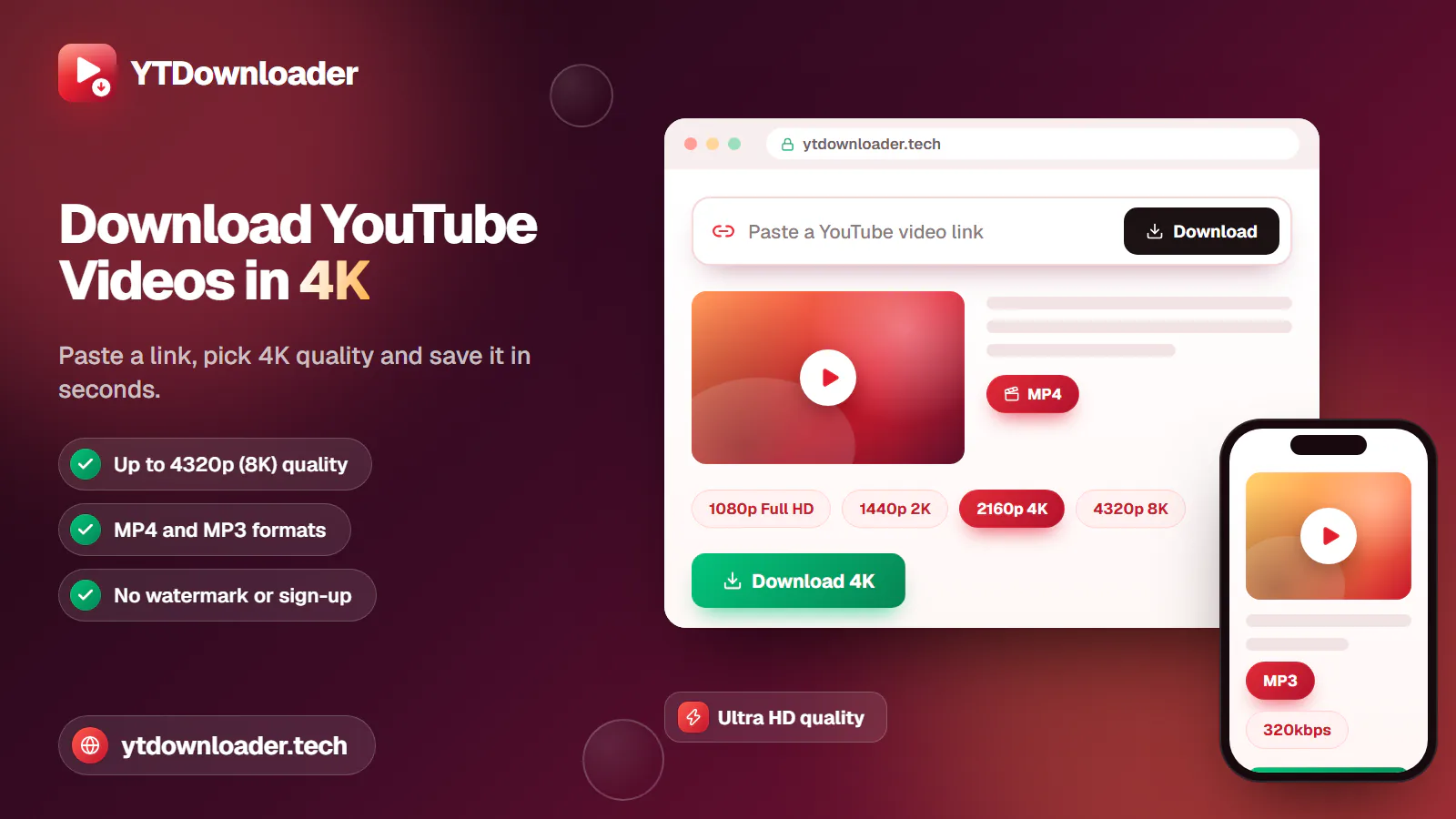
Save YouTube videos and playlists in up to 4K and convert them to MP3 instantly — free, with no watermark, sign-up or daily limit.
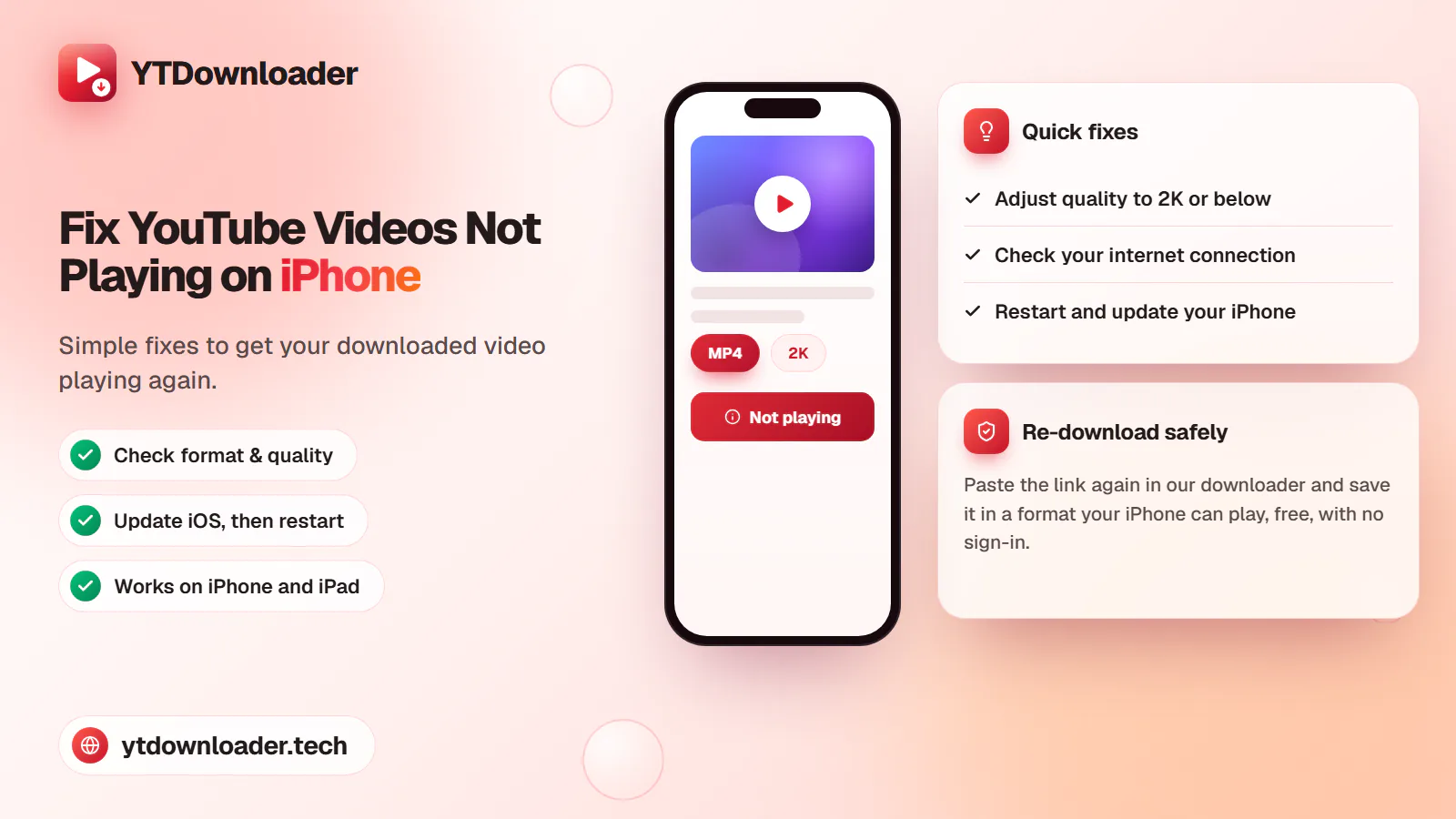
A downloaded YouTube video not playing on iPhone is a quick fix — here's why it happens and how to save videos that play every time.
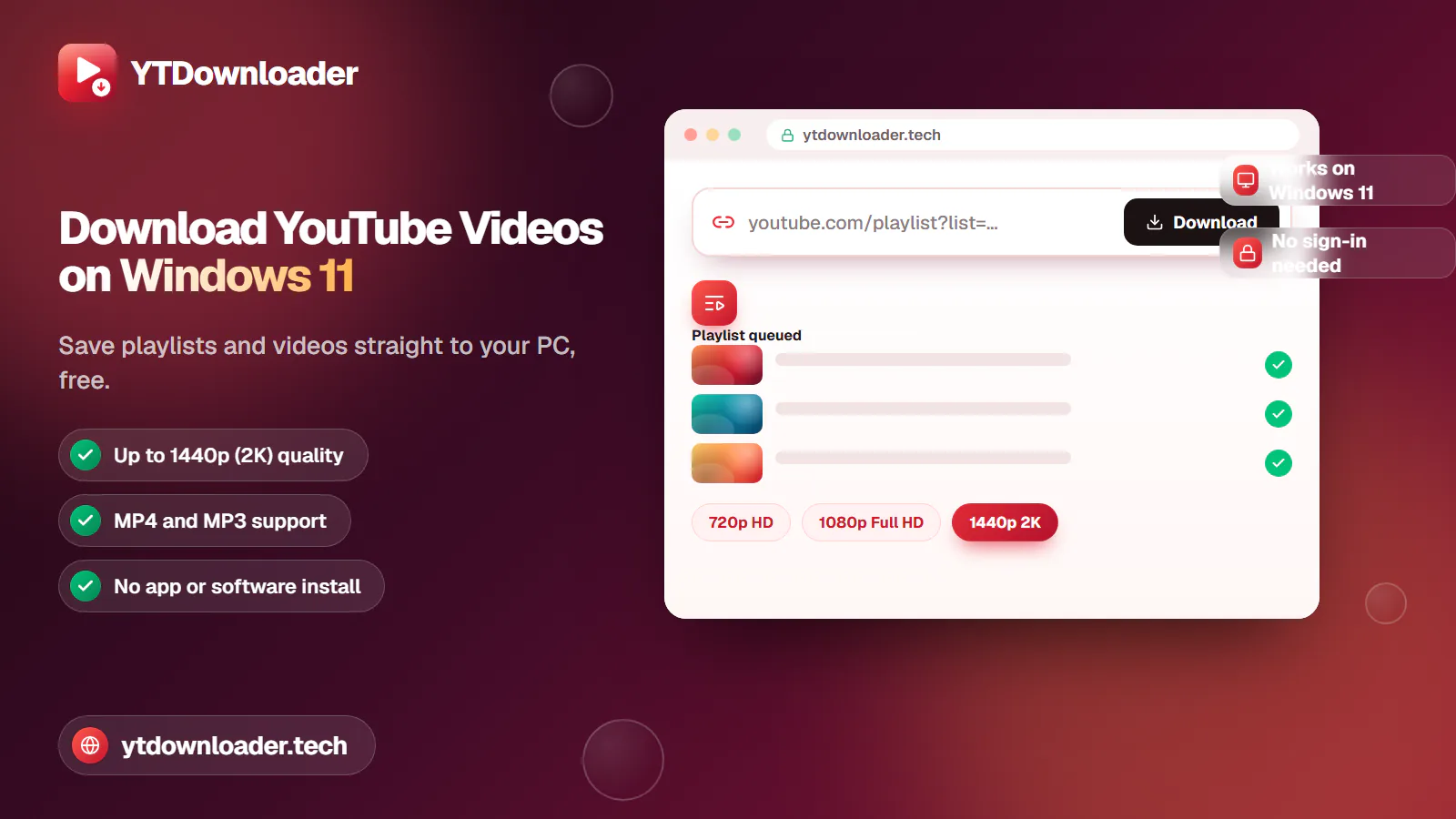
Save entire YouTube playlists and videos on Windows 11, up to 2K Ultra HD, without personal information, an app install or daily limits.
Convert YouTube videos, Shorts and playlists to MP3 audio up to 320 kbps on iPhone, Android, Windows or Mac — free, with no sign-in or software install.
Tested for ads, malware and quality limits — see why our free YouTube downloader saves videos, music and entire playlists up to 4K, with no sign-up.