No Account Needed
No sign-up or personal information collected.
Quick answer
Copy the link of the YouTube video you want, paste it into our YouTube MP4 Downloader, choose a quality up to 1080p, then press Download. The MP4 file saves straight to your iPhone, Android device or PC — free, with no account, sign-up or watermark.
| Price | Free, no sign-up needed |
|---|---|
| Quality | 144p up to 1080p Full HD |
| Devices | iPhone, Android and PC |
| Account | Not required |
| Watermark | None |
Want to save a YouTube video as MP4 without creating an account or handing over an email address? Our YouTube MP4 Downloader runs entirely in the browser — paste the link, pick a quality, and the file saves directly to your device.
It works the same way on iPhone, Android and PC, so there's nothing extra to install and no personal details collected along the way.
Step by step
Why use it
No sign-up or personal information collected.
No charges to download videos, Shorts or playlists, in Full HD.
A lightweight tool built to process links quickly.
Works in Chrome, Safari, Firefox or Edge, on iPhone, Android or PC.
What you can save
Full-length YouTube videos, from 144p up to 1080p Full HD.
YouTube Shorts, saved the same way as a regular video.
Entire playlists — lectures, tutorials or music mixes — in one pass.
Live-stream recordings, once they're available as a regular video.
Questions
No — the tool works without any sign-up or email address.
You can save MP4 video up to 1080p Full HD, when the original upload offers it.
Yes — open the downloader in Safari and download directly to your Photos app or Files.
Yes — paste the Short's link the same way you would a regular video link.
Yes — it's completely free, with no subscription or hidden charges.
Paste a YouTube link and save it in seconds, up to 1080p.
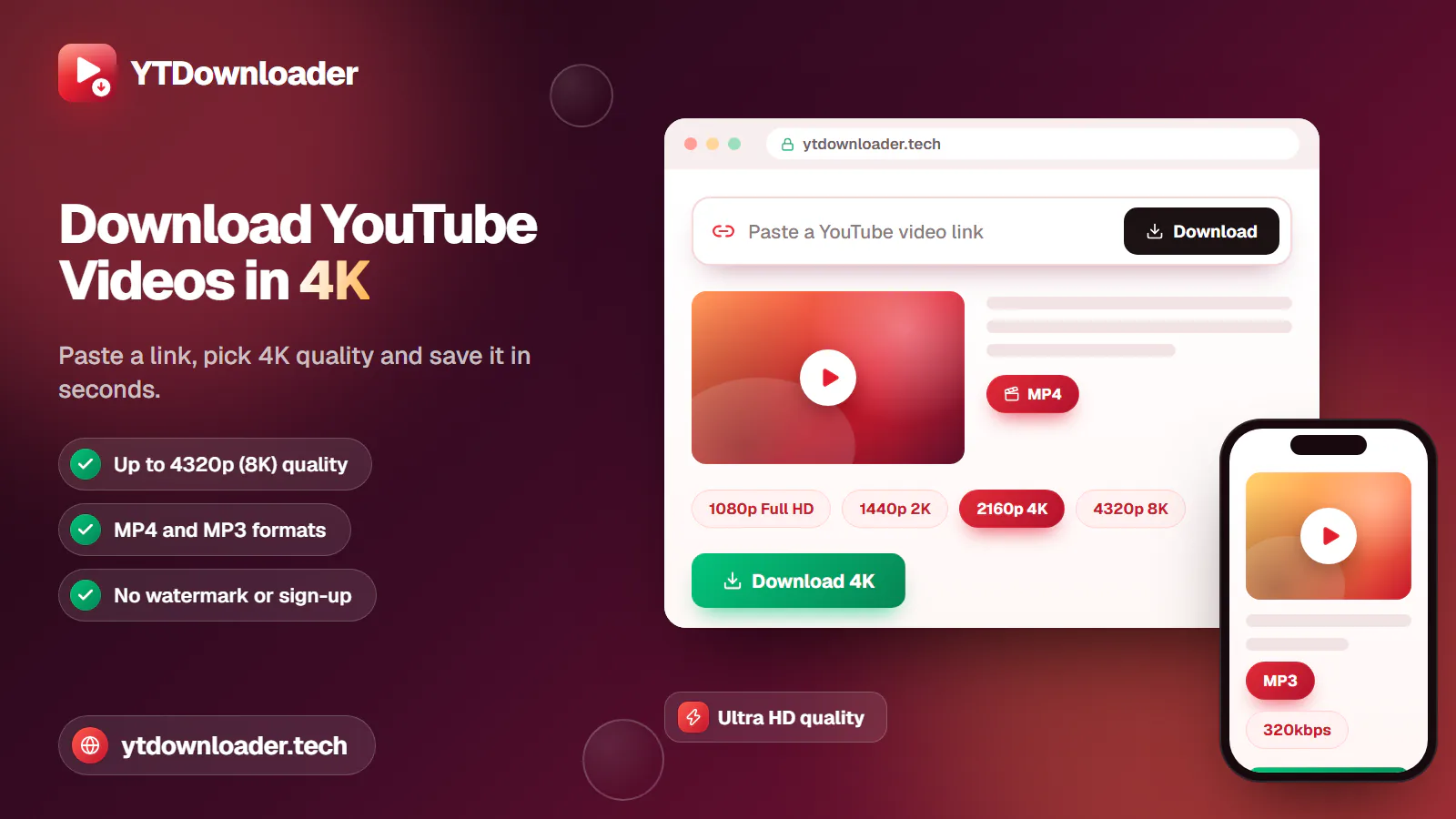
Save YouTube videos and playlists in up to 4K and convert them to MP3 instantly — free, with no watermark, sign-up or daily limit.
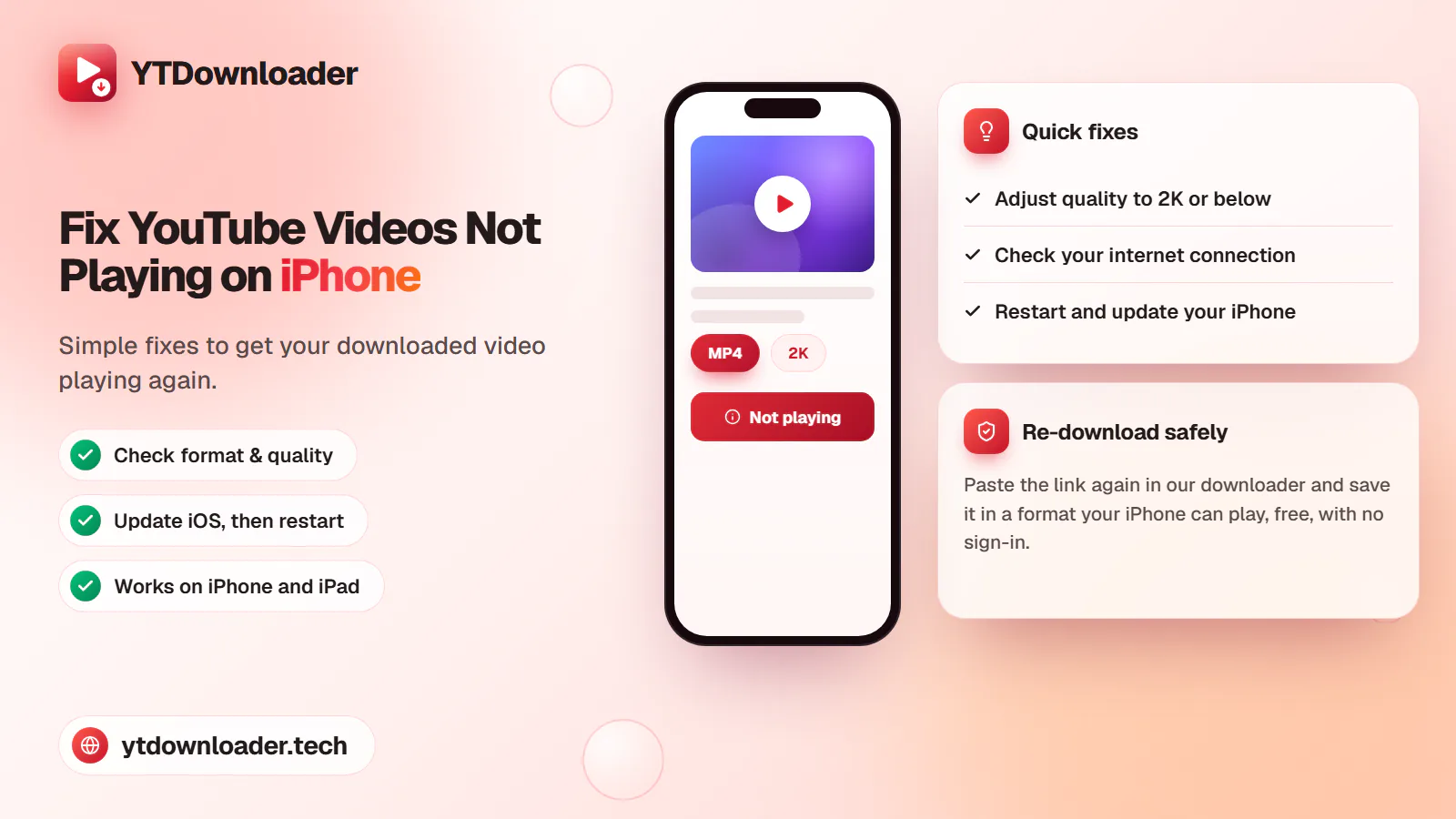
A downloaded YouTube video not playing on iPhone is a quick fix — here's why it happens and how to save videos that play every time.
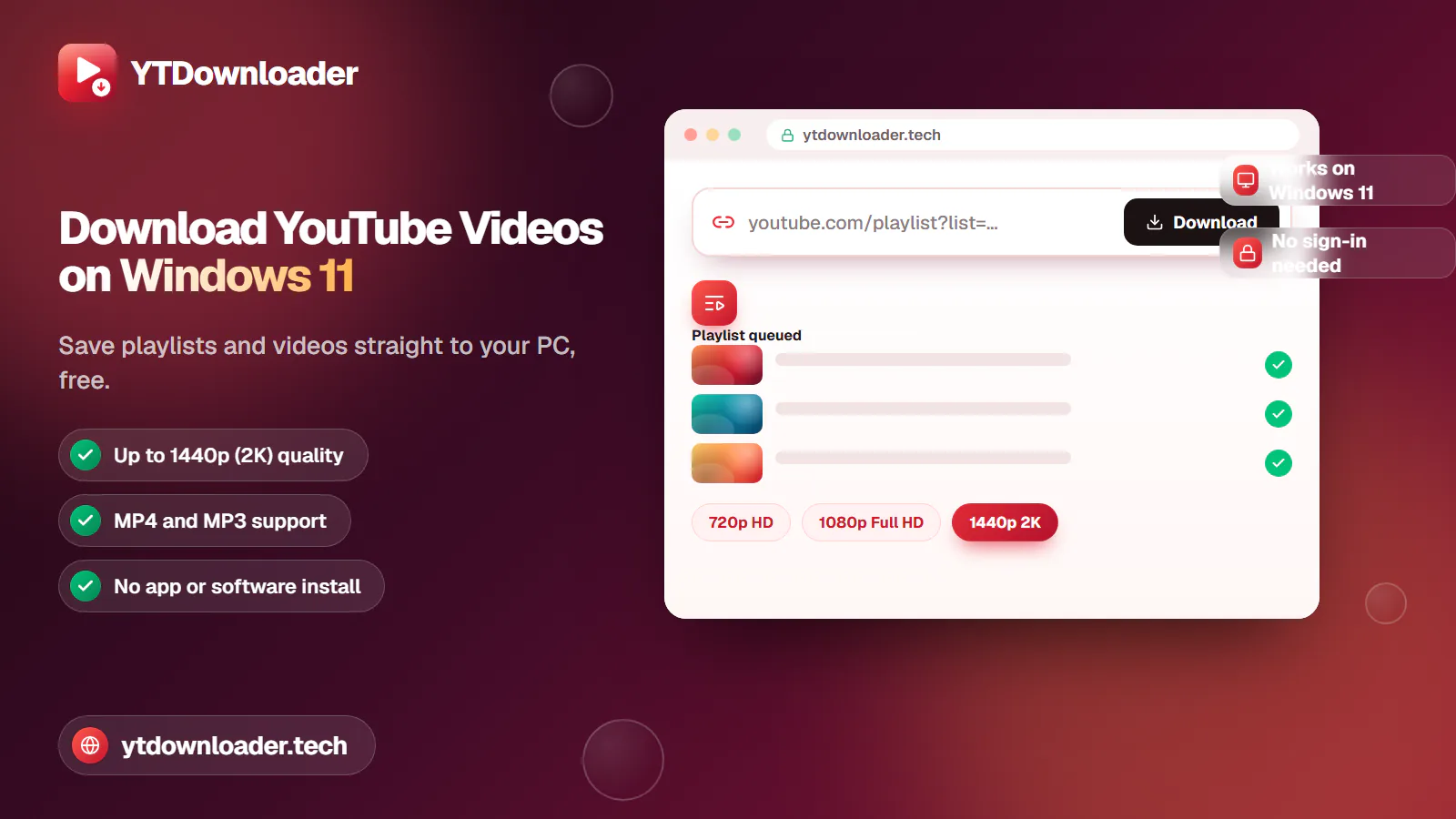
Save entire YouTube playlists and videos on Windows 11, up to 2K Ultra HD, without personal information, an app install or daily limits.
Convert YouTube videos, Shorts and playlists to MP3 audio up to 320 kbps on iPhone, Android, Windows or Mac — free, with no sign-in or software install.
Tested for ads, malware and quality limits — see why our free YouTube downloader saves videos, music and entire playlists up to 4K, with no sign-up.