How to Download YouTube Videos on Mac
Save entire YouTube playlists, music and videos on Mac as MP4 or MP3 — free, secure and without a premium subscription.
7 min read
Save entire YouTube playlists, music and videos on Mac as MP4 or MP3 — free, secure and without a premium subscription.
Download an entire YouTube playlist — a music collection, a lecture series or a podcast — in one go, as MP4 or MP3, free and without signup.
Save YouTube videos and playlists in up to 4K and convert them to MP3 instantly — free, with no watermark, sign-up or daily limit.
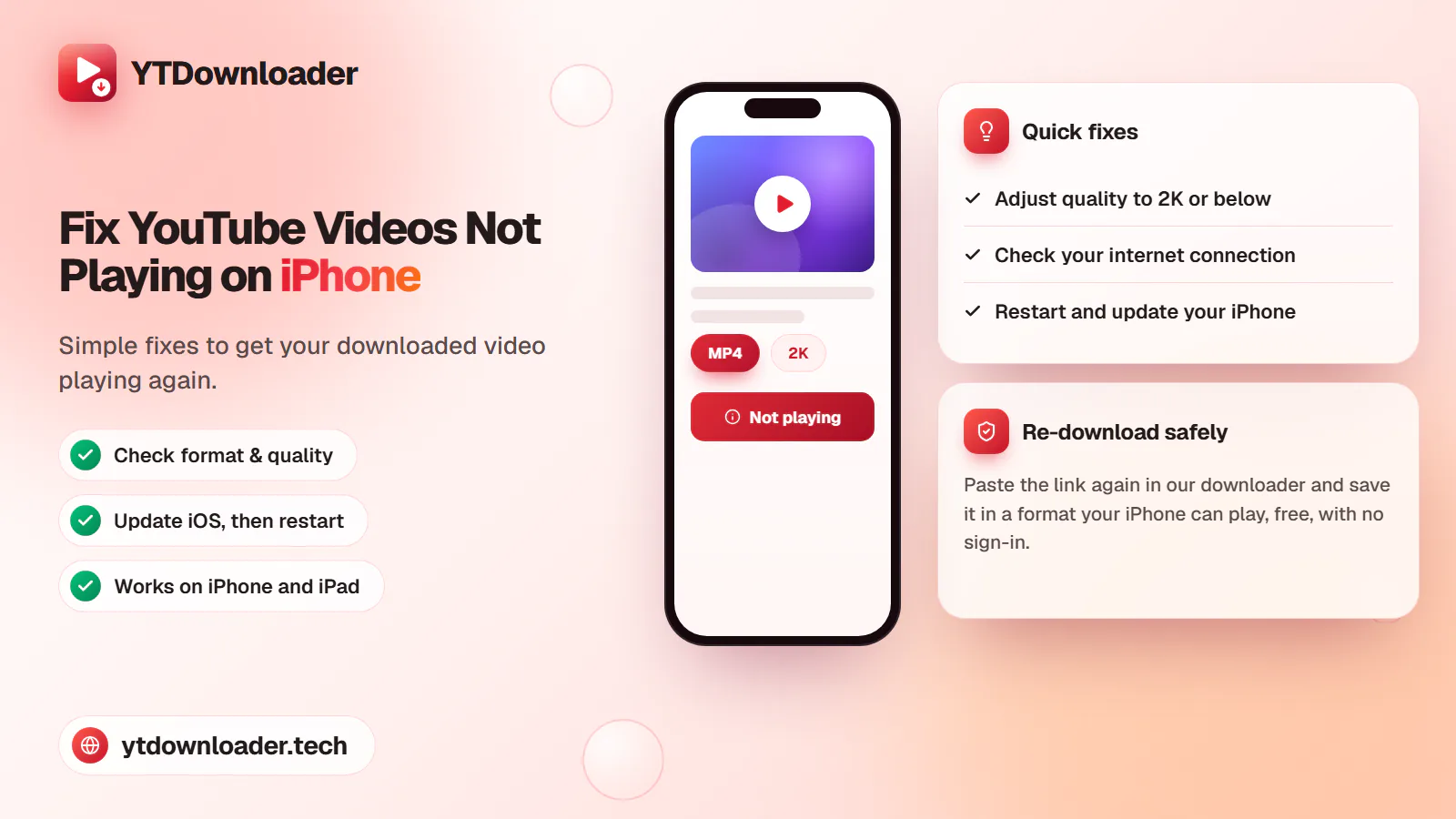
A downloaded YouTube video not playing on iPhone is a quick fix — here's why it happens and how to save videos that play every time.
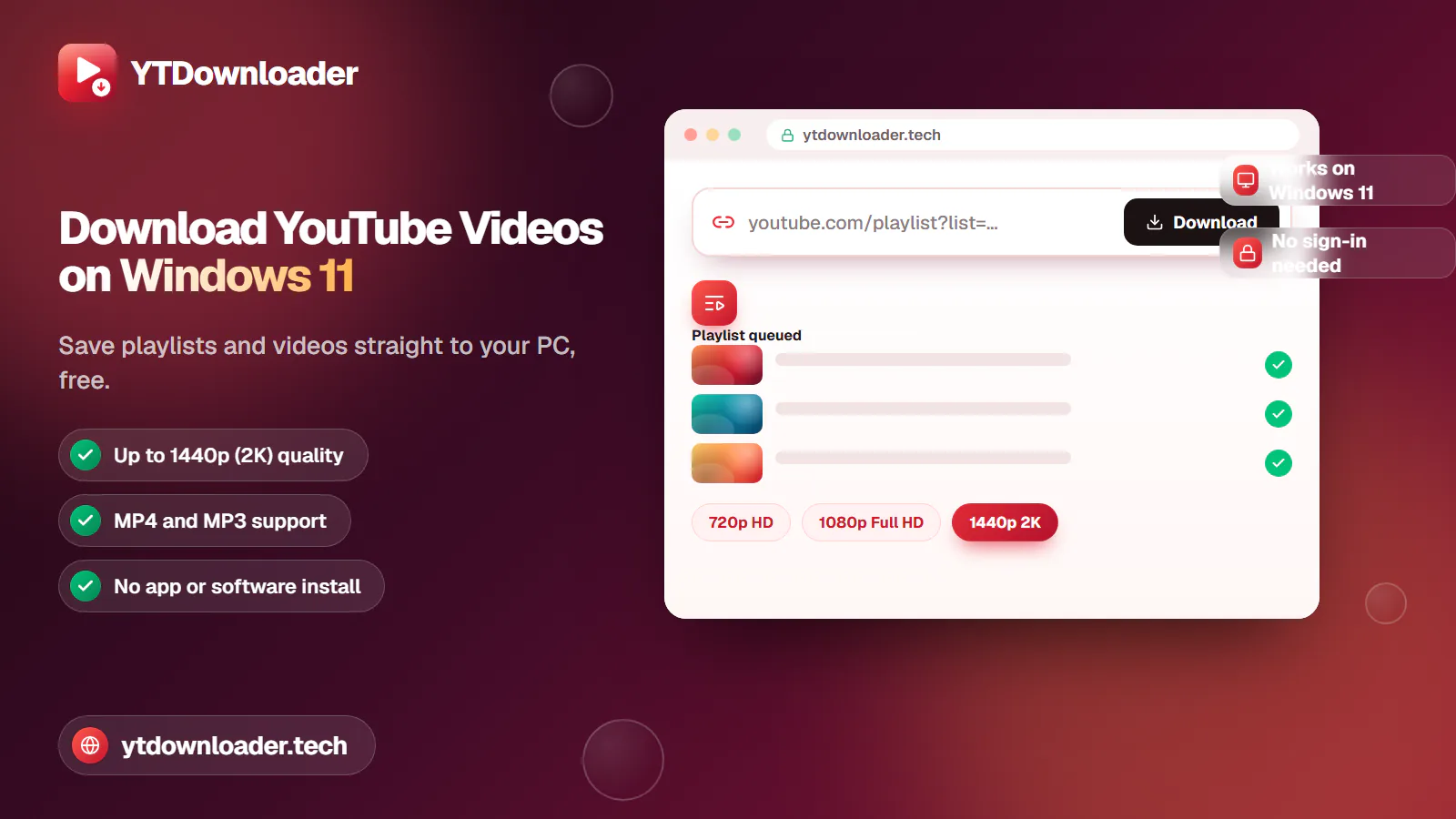
Save entire YouTube playlists and videos on Windows 11, up to 2K Ultra HD, without personal information, an app install or daily limits.
Convert YouTube videos, Shorts and playlists to MP3 audio up to 320 kbps on iPhone, Android, Windows or Mac — free, with no sign-in or software install.
Tested for ads, malware and quality limits — see why our free YouTube downloader saves videos, music and entire playlists up to 4K, with no sign-up.
Guides
Save a music collection, an educational video series or a podcast playlist directly on your device without installing apps, dealing with ads, or risking your privacy — free, in one pass, not one video at a time.
Quick answer
Copy the playlist's URL from YouTube, paste it into our YouTube Video and Shorts Downloader, choose MP4 or MP3 and a quality up to 2K, then press Download. Every video or track in the playlist saves at once, straight to your Android, iPhone, desktop or Mac — free, with no sign-up or software install.
| Price | Free, no sign-up needed |
|---|---|
| Quality | MP4 up to 2K, MP3 up to 320 kbps |
| Devices | Android, iPhone, desktop and Mac |
| Download mode | Entire playlist in one pass |
| Software | None — works in any browser |
Use cases
Download a playlist of study videos for smooth offline learning, without paying any fees.
Export a bundle of songs or a podcast playlist instantly for offline streaming, on Android, iPhone, desktop or Mac.
Download your own content playlist in one go, straight to your personal gallery.
Educational series, music albums, language-learning modules and podcast-style interviews — all in one download.
Formats
Download an entire playlist from standard to HD quality — 360p, 480p, 720p, 1080p and 2K.
Every video in the playlist downloads in the same quality you choose, in one pass.
Audio
Convert an entire playlist of audio to 128 kbps, 192 kbps, 256 kbps or 320 kbps.
Great for offline listening to music albums, interviews and podcast series.
Step by step
Copy the favourite playlist's link from YouTube.
Open our platform in any browser.
Paste the link in our downloader box — no sign-in needed.
Select MP4 or MP3 and a quality, then click Download.
Save the whole playlist directly on your device, for offline streaming.
Benefits
Completely free and safe to use on any device, with no paid subscription.
Fast, full playlist downloads in seconds, without losing any quality.
Choose MP3 or MP4 with custom quality — up to 2K video or 320 kbps audio.
100% web-based and cross-platform — no app or browser extension install.
Secure and private — download your own content without personal information.
In short
Save a whole YouTube playlist — a music album, educational lectures or a podcast series — in 360p, 480p, 720p, 1080p or 2K, or any MP3 bitrate, through our free platform in just seconds, without restrictions or rules. Copy the URL, select a format, paste it into our downloader box, click Download, and enjoy your own content safely on Android, iPhone, desktop or Mac.
Questions
Download an entire playlist for free through our YouTube Playlist Downloader, without paying any fees or facing restrictions.
Yes — our platform downloads a bundle of videos in seconds on a PC without any software install.
Open our downloader, copy the playlist's URL, choose a format up to 320 kbps, paste the link into our box, and enjoy unlimited content on your device.
Make sure your internet connection is good, then download your entire playlist instantly through our platform, without restrictions or rules.
Yes — it's possible in just seconds. Copy and paste the link and get the playlist's audio directly on your device.
Yes — you can safely download entire playlists instantly through our platform, for personal use, without any restrictions.
No — without any sign-in or personal information, our YouTube Playlist Downloader lets you save videos in just seconds.
Paste a YouTube playlist link and save every video or track in seconds.