Save the Highest Quality Available
If a video officially supports 4K or 8K, the tool shows those options so you can pick the sharpest version for watching or editing.
Quick answer
YouTube 4K / 8K Downloader is a free, browser-based tool that saves YouTube videos in ultra HD quality — up to 4K (2160p) and 8K (4320p), when the original upload supports it. Paste the video link, pick MP4, WebM or MKV and a quality, then tap Download. It works on Android, iPhone and PC, with no app install or sign-up.
| Price | Free, no sign-up needed |
|---|---|
| Quality | SD up to 4K (2160p) and 8K (4320p) |
| Formats | MP4, WebM, MKV, or MP3 audio |
| Devices | Android, iPhone and PC |
| App install | Not needed |
Want to save a YouTube video in 480p, 720p, 1080p, 4K or even 8K? Our YouTube 4K / 8K Downloader is a free online tool that saves your favourite videos in ultra HD quality, in MP4, WebM or MKV, plus MP3 for audio only. It works smoothly on Android, iPhone and PC, with nothing to install.
1080p (Full HD) is 1,920×1,080 pixels. 4K (2160p) is 3,840×2,160 pixels — four times sharper than 1080p. 8K (4320p) is 7,680×4,320 pixels — four times sharper again than 4K. The higher the resolution, the better the picture, but also the bigger the file, so check your storage and your network before saving anything in ultra HD.
Video editors, content creators and designers often need 4K or higher for their work. For lectures, podcasts and everyday entertainment, 720p or 1080p is usually the smarter pick — smaller file, smoother playback, and it still looks sharp on a phone or laptop screen.
Step by step
Before you save a video in 4K or 8K, always check that the original upload actually has that quality — here's how to download it, on mobile or PC.
Key features
If a video officially supports 4K or 8K, the tool shows those options so you can pick the sharpest version for watching or editing.
Convert YouTube to MP3 when you only want the sound — Afrobeats, podcasts, lectures and interviews, with clear audio and a small file size.
Processes in seconds, even at 4K resolution, and stays light enough to finish the job whenever your connection allows.
No hidden charges, trial limits or premium wall for any quality — open it anytime and save ultra HD video for free.
No email, phone number or account required, and nothing to install — paste the URL in your browser and save instantly.
Save lectures, music videos, travel clips and tutorials as often as you like, with no cap on how many videos you download.
Before you download
Open the YouTube video and tap Settings.
Tap Quality, then Advanced.
If you see 2160p or 4320p listed, the video is available in 4K or 8K.
Good to know
The original upload is in 1080p or lower quality.
Newly uploaded videos can take time before the higher qualities become available.
A weak or unstable network connection is stopping the higher options from loading.
Your device doesn't support playback at that resolution.
Tips
Use a fast, stable Wi-Fi connection to avoid errors.
Free up storage on your phone or PC before saving large, high-quality files.
Pause other downloads and background activity while the file saves.
Keep your browser updated for the best download speed.
If a download is slow, restart your router or clear your browser cache.
Choose MP4 if you plan to play the file back offline on most devices.
In short
Our YouTube Downloader stands out for high-quality downloads in 720p, 1080p, 4K and 8K resolution, with quick, safe saves on Android, iPhone and PC. There's no limit on how many videos you can save — download as much content as you like for offline viewing, reuse or personal projects, with permission.
Questions
Yes — if the original upload supports 8K, the option will show up on our tool so you can save it straight to your device.
If the video was uploaded in a lower quality, higher resolutions will never appear. Newly uploaded videos can also take time before 4K or 8K becomes available.
A 10-minute video is roughly 300 MB to 1 GB in 4K, and 1 GB to 3 GB or more in 8K — the size varies by format, frame rate and length.
YouTube often stores audio and video as separate streams at high resolutions, and some tools can't save both together. Use a trusted tool like ours, built to save both at once.
Yes — you can save videos up to 4K quality on PC for smooth offline playback.
MP4 is the best choice for 4K and higher resolutions, since it plays smoothly on nearly every device. WebM and MKV are good alternatives when your player supports them.
Yes — it supports a full playlist, making it easy to save every video you want in one go.
No — you can download your favourite videos without logging in or giving any personal details.
Yes — if the original upload has 4K HDR or 60fps, you can save it in that original quality.
Paste a YouTube link and save the video in seconds, in the highest quality available.
Save entire YouTube playlists, music and videos on Mac as MP4 or MP3 — free, secure and without a premium subscription.
Download an entire YouTube playlist — a music collection, a lecture series or a podcast — in one go, as MP4 or MP3, free and without signup.
Save YouTube videos and playlists in up to 4K and convert them to MP3 instantly — free, with no watermark, sign-up or daily limit.
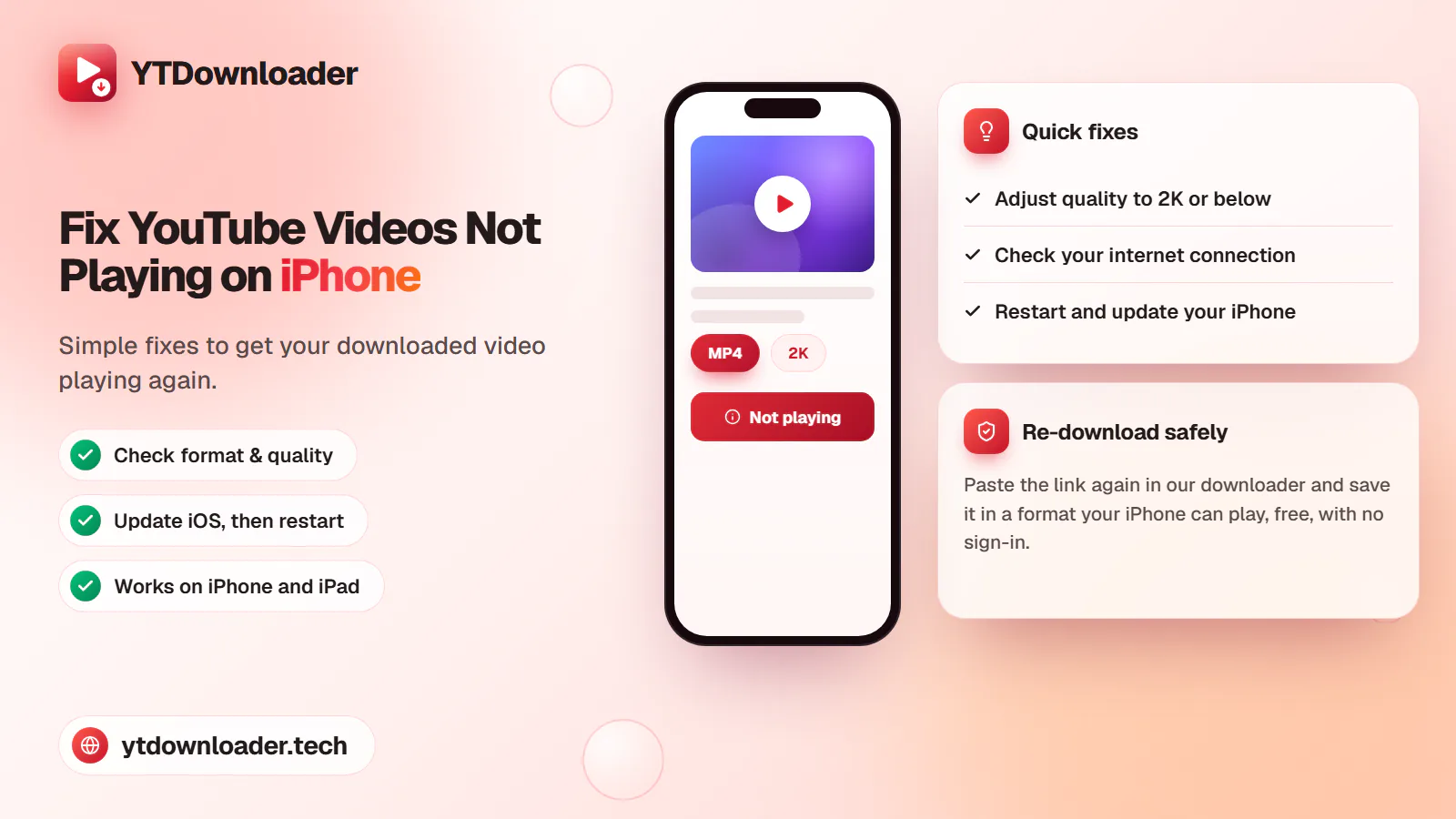
A downloaded YouTube video not playing on iPhone is a quick fix — here's why it happens and how to save videos that play every time.
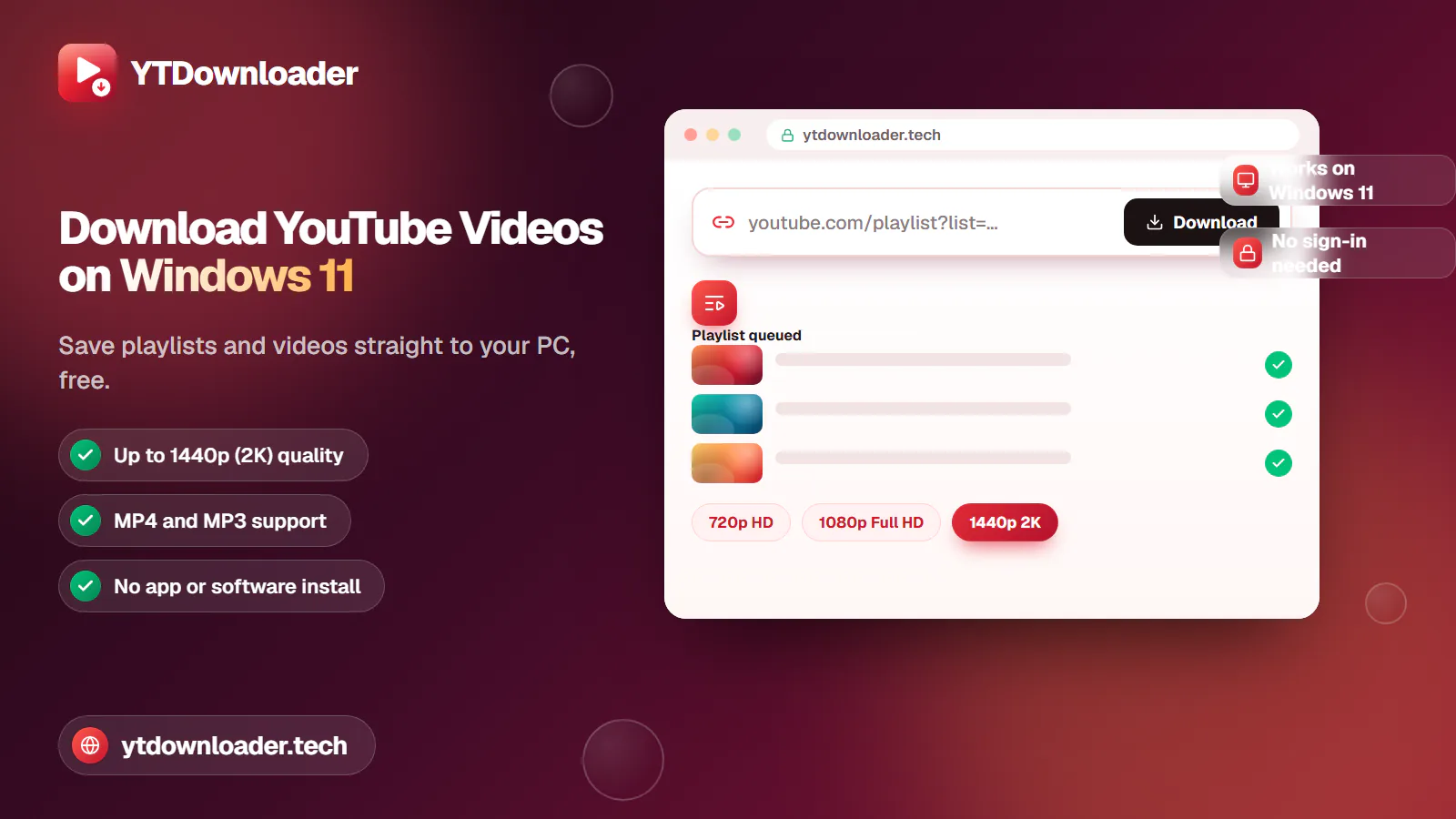
Save entire YouTube playlists and videos on Windows 11, up to 2K Ultra HD, without personal information, an app install or daily limits.
Convert YouTube videos, Shorts and playlists to MP3 audio up to 320 kbps on iPhone, Android, Windows or Mac — free, with no sign-in or software install.
Tested for ads, malware and quality limits — see why our free YouTube downloader saves videos, music and entire playlists up to 4K, with no sign-up.