Light on Mobile Data
An MP3 is far smaller than the matching video, so it's kinder to your mobile data allowance on the road or in regional areas.
Quick answer
A YouTube MP3 Downloader is a free, browser-based tool that converts YouTube videos, Shorts and playlists into MP3 audio, up to 320kbps. An MP3 is a much smaller file than video, so it's kinder to your mobile data allowance. Paste the link, choose a bitrate, then press Download. It works on PC, Mac, Android and iPhone, with no login or app install.
| Price | Free, no sign-up needed |
|---|---|
| Quality | 128kbps, 192kbps or 320kbps |
| Data use | Small — far lighter than video |
| Devices | PC, Mac, Android and iPhone |
| Software | None — works in any browser |
Want to save music, podcasts or lecture recordings for a long drive or a trip to a regional area without patchy reception? Our YouTube MP3 Downloader is a free online tool that converts YouTube videos, Shorts and playlists into MP3 audio, up to 320kbps — a much smaller download than the video version.
It has a simple interface with one input box and a clear Download button. Paste any video link, let it load, choose MP3 and the bitrate you want, then hit Download to save the file to your phone, laptop or car.
It allows unlimited YouTube-to-MP3 conversions for offline listening, completely safe and free, with no login or software install required. Only save Creative Commons content, public-domain media, or videos you own — saving someone else's video as MP3 without permission is against the law.
Step by step
Convert any video into MP3 in a few taps, on mobile or on PC — handy for a long drive or a spot with patchy coverage.
Key features
An MP3 is far smaller than the matching video, so it's kinder to your mobile data allowance on the road or in regional areas.
Convert on PC, Mac, Android or iPhone, then play the same MP3 file back on a car stereo or any media player.
No email, phone number or account required, and nothing to install — paste the URL in your browser and convert instantly.
Processes in seconds, even over the NBN or a slower regional connection, without stalling out.
No hidden charges, trial limits or premium walls at any quality — open it anytime and convert for free.
Save songs, podcasts, lectures and interviews as often as you like, with no cap on how many files you convert.
Choosing quality
128kbps keeps the file small, good for casual talks, podcasts and lectures, and kindest on mobile data.
192kbps is a solid middle ground for everyday music listening.
320kbps is best for headphones, speakers and car stereos, thanks to its detailed audio.
Good to know
Only convert videos you own, Creative Commons or public-domain media, or content you have clear permission to use.
Never share, reupload or resell downloaded audio for personal benefit.
The tool works directly through your browser, with no software install or premium subscription required.
Avoid unrelated sites with harmful ads, fake buttons or pushed downloads that can waste your data.
Tips
Prefer official music videos before converting to MP3 — official uploads usually have clearer audio.
Save music at up to 320kbps for headphones and speakers, or choose 128kbps for podcasts and lectures.
Download over Wi-Fi or the NBN where you can, rather than mobile data, especially for a full playlist.
Avoid unsafe sites with excessive ads or suspicious links to keep your device secure.
Preview the file before saving to confirm it's the right track.
Keep an eye on your mobile data allowance — converting several videos in a row still adds up, even at MP3 size.
In short
It's a quick, data-friendly way to convert as many YouTube videos as you want into MP3, ready for a long drive, a flight or regional areas with patchy coverage. No login, personal details or software install needed — paste the link, choose MP3 and a bitrate, then hit Download to save the file to your PC, Mac, Android or iPhone.
Questions
Copy the video link and paste it into the YouTube to MP3 converter. The tool fetches the audio and lets you save it to your device for offline listening.
Yes — an MP3 file is far smaller than the matching video, so it downloads faster and uses much less of your mobile data allowance.
Yes, it's a free online tool that never asks you to pay or subscribe. Use it through your browser for unlimited conversions.
128kbps gives the smallest file and is lightest on data, while still sounding clear for talks and lectures.
Yes — copy the playlist's URL and paste it into the tool to convert every video in it.
Of course — it's a web-based tool, so your phone's browser is all you need to convert YouTube videos into MP3.
You may have chosen a lower bitrate — pick a higher audio quality next time for clearer sound.
No — it works directly in your browser, with nothing to install and no sign-up required.
Yes — Shorts convert to MP3 the same way as any other video.
Paste a YouTube link and save the audio in seconds, up to 320kbps, light on your mobile data.
Save entire YouTube playlists, music and videos on Mac as MP4 or MP3 — free, secure and without a premium subscription.
Download an entire YouTube playlist — a music collection, a lecture series or a podcast — in one go, as MP4 or MP3, free and without signup.
Save YouTube videos and playlists in up to 4K and convert them to MP3 instantly — free, with no watermark, sign-up or daily limit.
A downloaded YouTube video not playing on iPhone is a quick fix — here's why it happens and how to save videos that play every time.
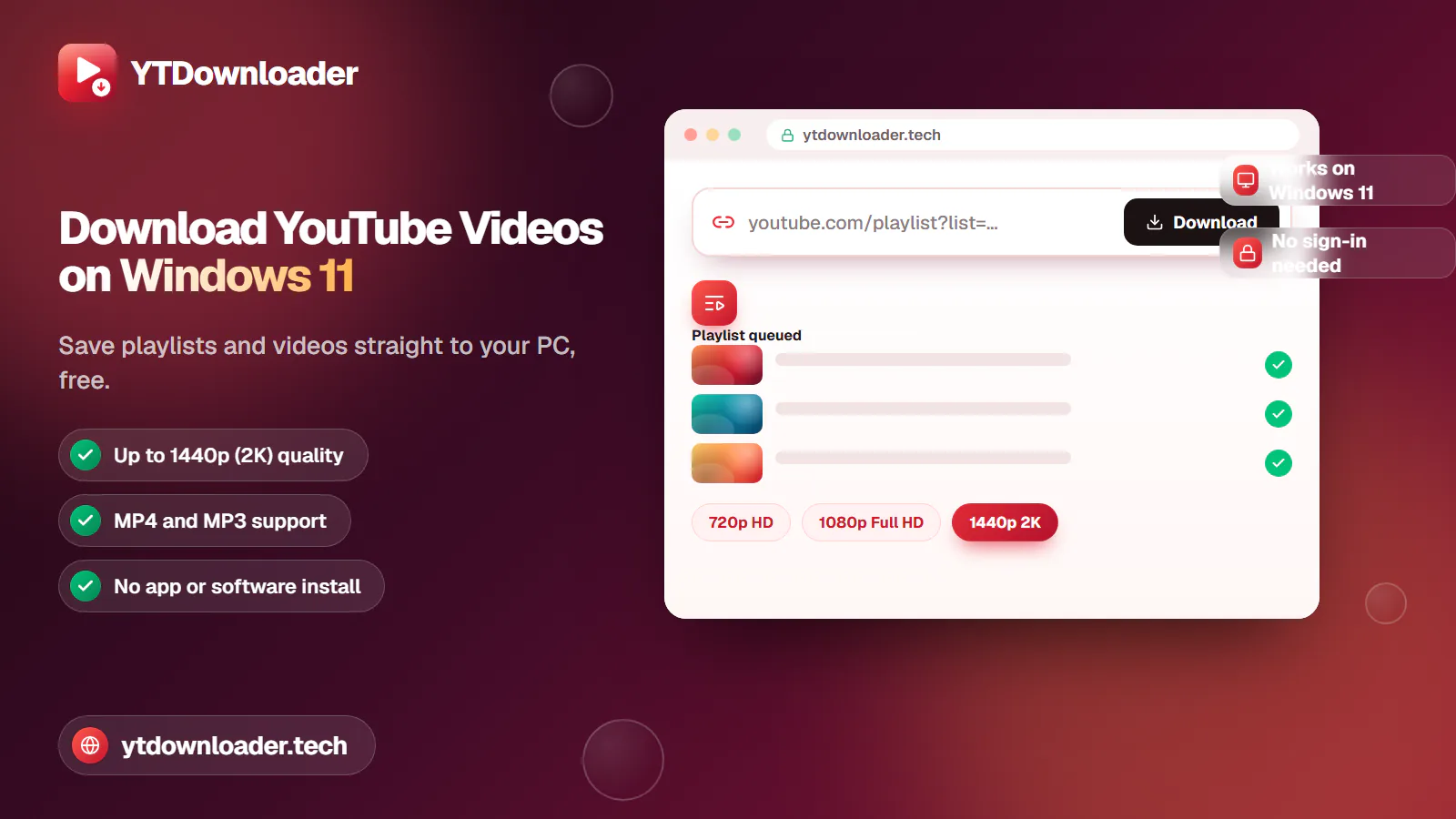
Save entire YouTube playlists and videos on Windows 11, up to 2K Ultra HD, without personal information, an app install or daily limits.
Convert YouTube videos, Shorts and playlists to MP3 audio up to 320 kbps on iPhone, Android, Windows or Mac — free, with no sign-in or software install.
Tested for ads, malware and quality limits — see why our free YouTube downloader saves videos, music and entire playlists up to 4K, with no sign-up.