No Limits
Build a playlist of songs, podcasts and lectures by saving as many videos as you want — unlimited downloads for free, anytime, without internet.
Quick answer
YouTube MP3 Downloader is a free, browser-based tool that converts YouTube videos, Shorts and playlists into MP3 audio for offline listening. Paste a video link, choose a bitrate up to 320kbps and press Download. It works on PC, Mac, Android and iPhone, with no signup, no login and no software to install.
| Price | Free, no sign-up needed |
|---|---|
| Quality | 128kbps, 192kbps or 320kbps |
| Output | MP3 audio only |
| Devices | PC, Mac, Android and iPhone |
| Software | None — works in any browser |
Do you want to convert YouTube videos into MP3 to listen offline? Keep songs, podcasts and lectures in your local storage to access even while traveling or in areas with low internet. Try our free YouTube MP3 Downloader — it turns videos, Shorts and playlists into audio and saves them to your local storage. It supports instant conversion and high-quality audio up to 320kbps, free for all, through your browser for unlimited downloads without signup or installation.
YouTube Converter MP3 is a free, powerful online tool for instant conversions. It features a friendly interface with a clearly visible Download button and input box. Paste any video link into the tool, let the video load, select the quality you want with the MP3 format, then hit Download to save the file.
It allows unlimited YouTube-to-MP3 conversions for offline listening, completely safe and free, with no signup or software install required. Only save Creative Commons content, public-domain media, or videos you own — saving someone else's video as MP3 or MP4 without permission is against the law.
Step by step
It's straightforward to use YouTube as an MP3 converter — convert any video in just a few clicks, on mobile or PC.
Key features
Build a playlist of songs, podcasts and lectures by saving as many videos as you want — unlimited downloads for free, anytime, without internet.
MP3 is a widely compatible audio format that plays smoothly on almost all devices and media players, with no extra setup once saved.
A secure HTTPS connection with no forced installation or login, and no unnecessary permissions requested — minimizing malware and fake download buttons.
Never asked for personal data, an app or software install. Everything works online directly through your browser, with no forms, passwords or emails.
Choose between multiple bitrates — 128kbps, 192kbps or 320kbps — if supported by the original file, with full control over quality and size.
Processes faster so you save desired content in minimum time — paste the URL to save the audio file to your device within seconds.
No more ads, buffering or lag while streaming. Convert YouTube to MP3 to listen to music, podcasts and lectures anytime offline, without extra internet charges — whether you're a regular traveler, in flight, or in areas with weak internet. Save audio files to listen smoothly on phones, laptops, car stereos and MP3 players.
Save only the audio you want to listen to offline through your local storage — perfect for favorite songs, podcasts, interviews and lectures. Enjoy music while traveling or listen to tutorials and educational audio while walking, without interruption.
Access saved files to listen as many times as you want without extra streaming cost. Download once to your device and listen anytime, without spending more time or data on the internet.
Choosing quality
128kbps is considered best for casual talks, podcasts and lectures.
192kbps is suitable for everyday music streaming.
320kbps is highly recommended for headphones and speakers because of its detailed audio.
Good to know
Legality depends on how you use the video and the applicable laws in your region. You can download videos from an account you own, Creative Commons and public-domain media, or content from someone else's account with their permission. Never share, reupload or reuse downloaded media for personal benefit, and avoid saving audio or video from accounts without permission, since that is considered illegal.
Yes, it's safe to download YouTube to MP3 from our website. It operates smoothly directly through your browser — no personal information, software install or premium subscription required before use. Avoid visiting unknown sites with harmful ads, fake buttons or pushed malware; you can save anything you want directly through the browser without installing apps or extensions.
Tips
Prefer official music videos before converting to MP3 — official accounts post content with clearer audio.
Save music at up to 320kbps for headphones and high-quality speakers, or choose 128kbps for podcasts and lectures.
Use a stable internet connection while saving media to prevent errors and corrupted downloads.
Avoid unsafe sites with excessive ads, suspicious links or hidden redirects to keep your device secure.
Preview the file before saving to confirm it's the correct video.
Rename files and keep artist, genre or playlist organized for simple navigation.
In short
It's the safest and easiest way to convert as many YouTube videos as you want into MP3 from our website — a tool that ensures quick conversions on almost all devices, including mobile, desktop and tablet. You just need a modern browser and an internet connection. No signup, personal details or software install needed — paste the video URL, choose MP3 format and audio quality, and hit Download to save the file.
Questions
Copy the video link and paste it into the YouTube to MP3 converter. The tool fetches the audio from the video and helps you save it to your device for offline listening.
Yes, it's a free online tool that never asks you to pay fees or subscribe to a paid plan. Open it through your browser for unlimited downloads.
320kbps is considered best because of its detailed audio, though it needs more storage. If space is limited or you want a balance of quality and size, 128kbps is a better option.
Yes, you can download dozens of videos in a playlist at once. Copy the URL of a playlist with multiple files and paste it into the tool for a quick download.
Of course — it's a web-based tool, so you can access it through your iPhone's browser to download YouTube videos into MP3 and MP4 format.
There are no limits on conversion — you can convert the lengthiest video from YouTube into MP3 without restrictions.
You may have chosen a lower bitrate — always choose a higher audio quality while saving MP3 files for better listening.
Not at all — you don't need to install it or input your email or password to log in. It's completely free and hassle-free.
Of course — you can save YouTube Shorts to your device from this tool to view offline, share, edit or repost.
Visit your browser and open our YouTube to MP3 converter — a reliable website where you can download as much music as you want without limits.
Paste a YouTube link and save the audio in seconds, up to 320kbps.
Save entire YouTube playlists, music and videos on Mac as MP4 or MP3 — free, secure and without a premium subscription.
Download an entire YouTube playlist — a music collection, a lecture series or a podcast — in one go, as MP4 or MP3, free and without signup.
Save YouTube videos and playlists in up to 4K and convert them to MP3 instantly — free, with no watermark, sign-up or daily limit.
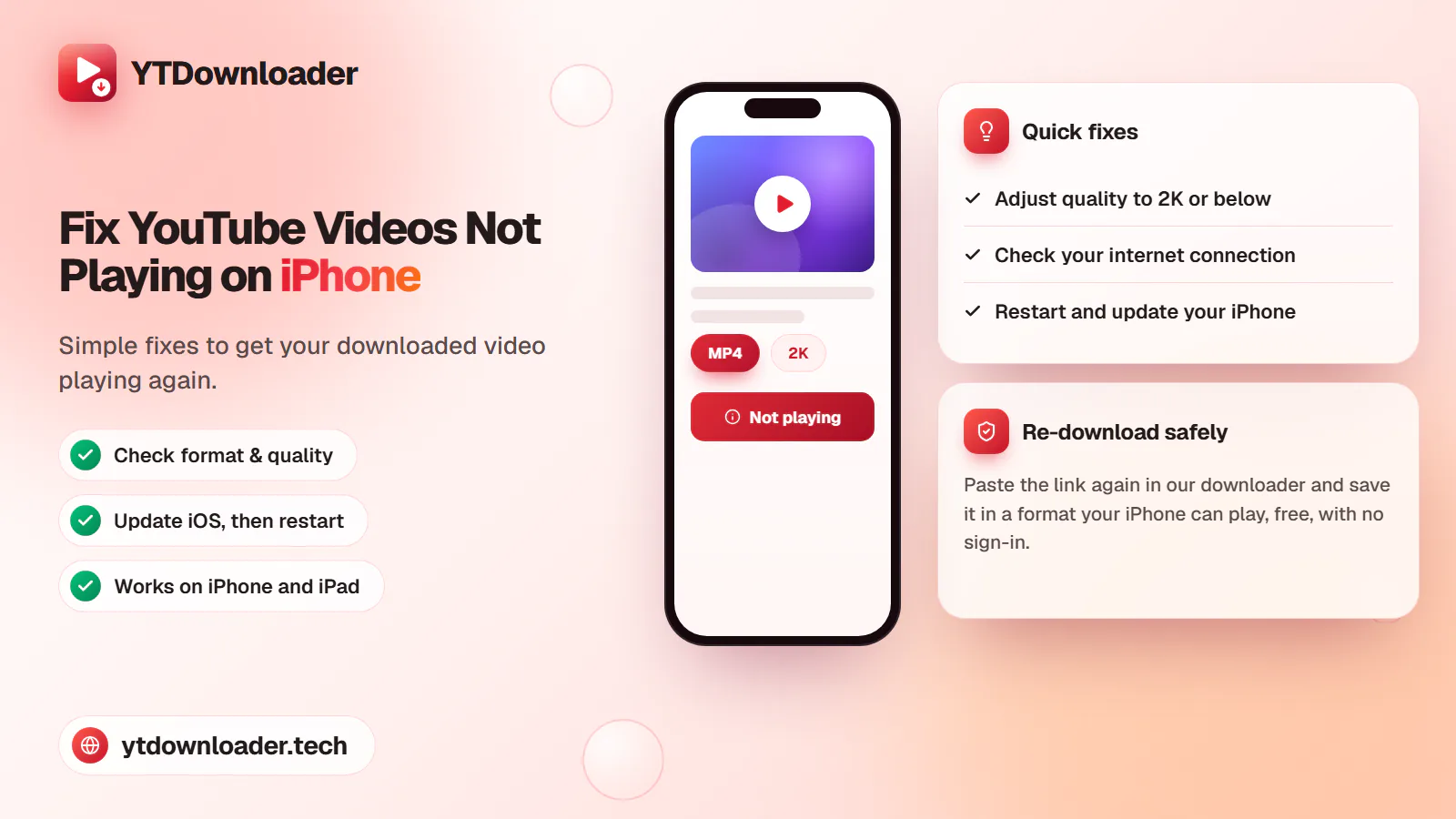
A downloaded YouTube video not playing on iPhone is a quick fix — here's why it happens and how to save videos that play every time.
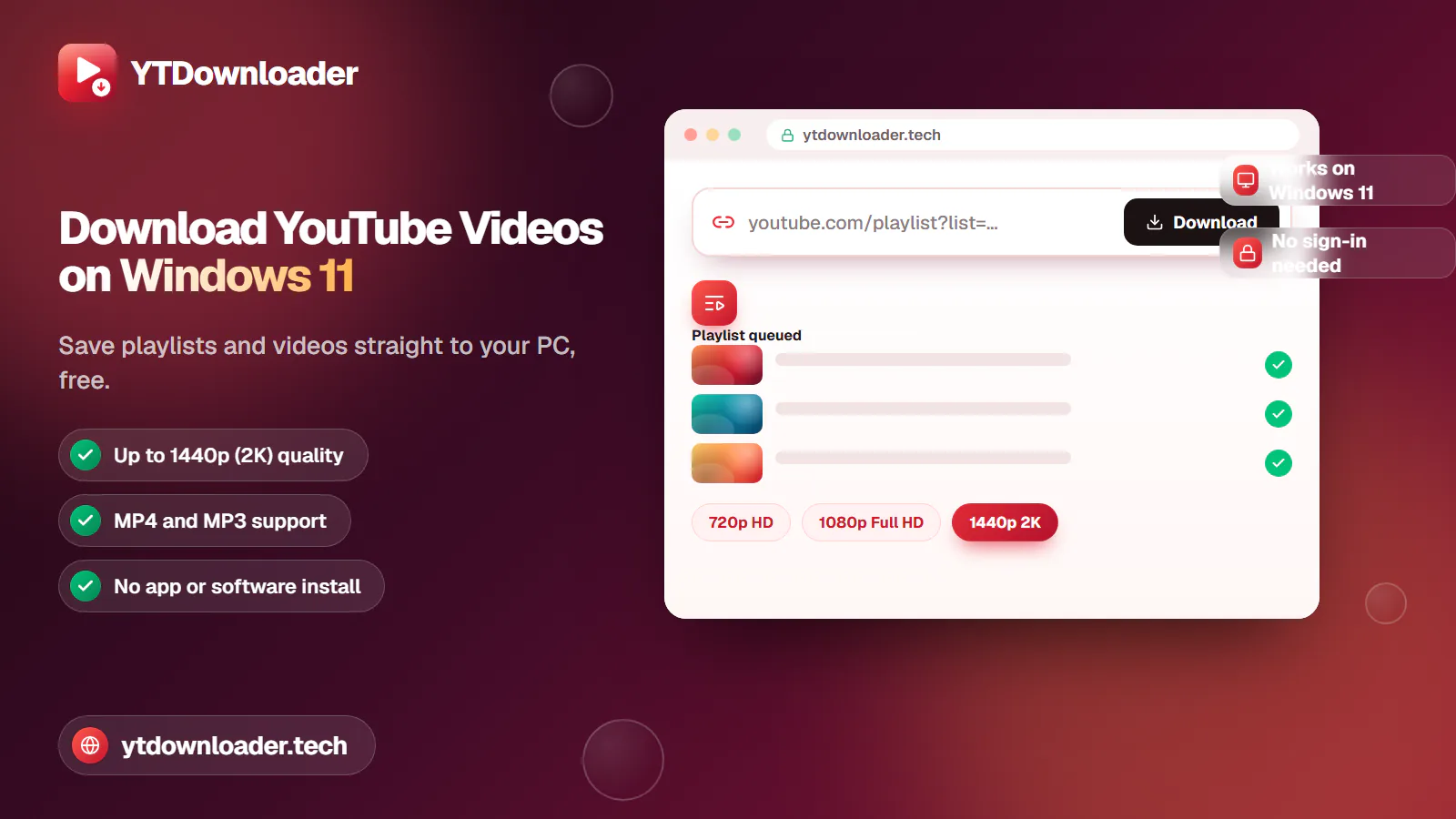
Save entire YouTube playlists and videos on Windows 11, up to 2K Ultra HD, without personal information, an app install or daily limits.
Convert YouTube videos, Shorts and playlists to MP3 audio up to 320 kbps on iPhone, Android, Windows or Mac — free, with no sign-in or software install.
Tested for ads, malware and quality limits — see why our free YouTube downloader saves videos, music and entire playlists up to 4K, with no sign-up.