Unlimited Downloads
Jitne chahein gaane, podcast aur lectures save karein — free, unlimited, koi daily limit nahi.
Quick answer
यूट्यूब वीडियो को MP3 में बदलने के लिए वीडियो का लिंक कॉपी करें, YTDownloader में पेस्ट करें, 128kbps, 192kbps या 320kbps में से quality चुनें, और Download दबाएं। फाइल सीधे आपके Android, iPhone या PC में सेव हो जाएगी — फ्री, बिना लॉगिन या ऐप इंस्टॉल किए। वीडियो के मुकाबले MP3 फाइल काफी छोटी होती है, इसलिए मोबाइल डेटा भी कम खर्च होता है।
| Price | Free, koi sign-up nahi |
|---|---|
| Quality | 128kbps, 192kbps ya 320kbps |
| Output | MP3 audio only |
| Devices | Android, iPhone aur PC |
| App install | Zaroorat nahi |
Kya aap YouTube video ko MP3 mein convert karke offline sunna chahte hain? Gaane, podcast aur lectures apne local storage mein save karein aur travel karte waqt ya kam internet wale area mein bhi sun sakte hain. Hamara free YouTube MP3 Downloader video, Shorts aur playlist ko audio mein badal deta hai aur seedha aapke device mein save kar deta hai. 320kbps tak high-quality audio, bina signup ya installation ke, sirf browser se.
YouTube Converter MP3 ek free, powerful online tool hai jo instant conversion deta hai. Interface simple hai — video ka link paste karein, video load hone dein, MP3 format aur quality chunein, aur Download button dabayein.
Video ke mukable MP3 file ka size bahut kam hota hai, isliye mobile data aur phone storage dono bachta hai — slow internet ya limited data plan wale users ke liye yeh sabse badi fayde ki baat hai. Sirf Creative Commons content, public-domain media ya apna khud ka video save karein — kisi aur ka video bina permission MP3 ya MP4 mein save karna gair-kanooni hai.
Step by step
Mobile ya PC par, kuch hi clicks mein YouTube video ko MP3 mein convert karein.
Key features
Jitne chahein gaane, podcast aur lectures save karein — free, unlimited, koi daily limit nahi.
MP3 almost har device aur media player mein chalta hai, bina kisi extra software ke.
Secure HTTPS connection, koi forced app install ya login nahi, aur koi unnecessary permission nahi mangi jaati.
MP3 file video se bahut chhoti hoti hai, isliye download karte waqt mobile data bhi kam lagta hai.
128kbps, 192kbps ya 320kbps mein se chunein — original file ke hisaab se poora control quality aur size par.
Seconds mein process hota hai, link paste karein aur turant audio file apne device mein save karein.
Choosing quality
128kbps casual baat-cheet, podcast aur lectures ke liye sabse best hai, aur data bhi kam lagta hai.
192kbps daily music sunne ke liye perfect hai.
320kbps headphones aur speakers ke liye best hai, iski audio sabse detailed hoti hai.
Ab buffering ya ads ki tension nahi — gaane, podcast aur lectures offline sunein, bina extra internet kharch kiye. Travel karte waqt, flight mein ya kam network wale area mein bhi MP3 files smoothly chalti hain.
MP3 file video (MP4) se bahut chhoti hoti hai, isliye mobile data kam kharch hota hai — limited data plan wale users ke liye yeh best option hai. Ek baar download karein, phir jitni baar chahein offline sunein, bina dobara data use kiye.
Apne favourite gaane, interviews, podcast aur lectures ka ek offline collection banayein — travel karte waqt ya walk karte hue sunne ke liye perfect, bina kisi interruption ke.
Good to know
Legality depend karti hai ki aap video ka use kaise karte hain aur apne region ke kanoon par. Aap apne khud ke account ka video, Creative Commons aur public-domain media, ya kisi aur ke account ka content unki permission se download kar sakte hain. Download kiya gaya media kabhi share, reupload ya personal benefit ke liye reuse na karein — bina permission kisi aur ka audio ya video save karna illegal mana jaata hai.
Haan, hamari website se YouTube ko MP3 mein download karna safe hai. Yeh seedha aapke browser mein chalta hai — koi personal information, software install ya premium subscription ki zaroorat nahi. Unknown sites jahan harmful ads, fake buttons ya malware ho, unse bachein — aap hamare tool se directly browser mein kuch bhi save kar sakte hain, bina app ya extension install kiye.
Questions
वीडियो का लिंक कॉपी करें और YouTube to MP3 कन्वर्टर में पेस्ट करें। टूल वीडियो से ऑडियो निकालता है और आपको इसे ऑफलाइन सुनने के लिए अपने डिवाइस में सेव करने में मदद करता है।
हां, यह एक फ्री ऑनलाइन टूल है जो कभी पैसे या सब्सक्रिप्शन नहीं मांगता। ब्राउज़र से खोलें और अनलिमिटेड डाउनलोड करें।
320kbps सबसे बेहतर मानी जाती है क्योंकि इसमें डिटेल ज्यादा होती है, लेकिन स्टोरेज भी ज्यादा लगती है। अगर मोबाइल डेटा या स्टोरेज कम है, तो 128kbps बेहतर ऑप्शन है।
हां, आप एक साथ कई वीडियो वाली playlist डाउनलोड कर सकते हैं। playlist का लिंक कॉपी करें और टूल में पेस्ट करें।
बिल्कुल — यह एक वेब-बेस्ड टूल है, इसलिए आप iPhone के ब्राउज़र से भी YouTube वीडियो को MP3 में डाउनलोड कर सकते हैं।
MP3 फाइल वीडियो से बहुत छोटी होती है, इसलिए यह MP4 के मुकाबले काफी कम मोबाइल डेटा खर्च करती है — लिमिटेड डेटा प्लान वालों के लिए यह सबसे अच्छा ऑप्शन है।
नहीं, कन्वर्शन पर कोई लिमिट नहीं है — आप YouTube का सबसे लंबा वीडियो भी बिना किसी रुकावट के MP3 में कन्वर्ट कर सकते हैं।
आपने शायद कम bitrate चुना होगा — बेहतर सुनने के अनुभव के लिए हमेशा ऊंची audio quality चुनें।
बिल्कुल नहीं — इसे इंस्टॉल करने या ईमेल, पासवर्ड से लॉगिन करने की कोई ज़रूरत नहीं। यह पूरी तरह फ्री और आसान है।
बिल्कुल — आप इस टूल से YouTube Shorts को MP3 में सेव करके ऑफलाइन सुन सकते हैं।
Link paste karein aur seconds mein apna audio 320kbps tak save karein.
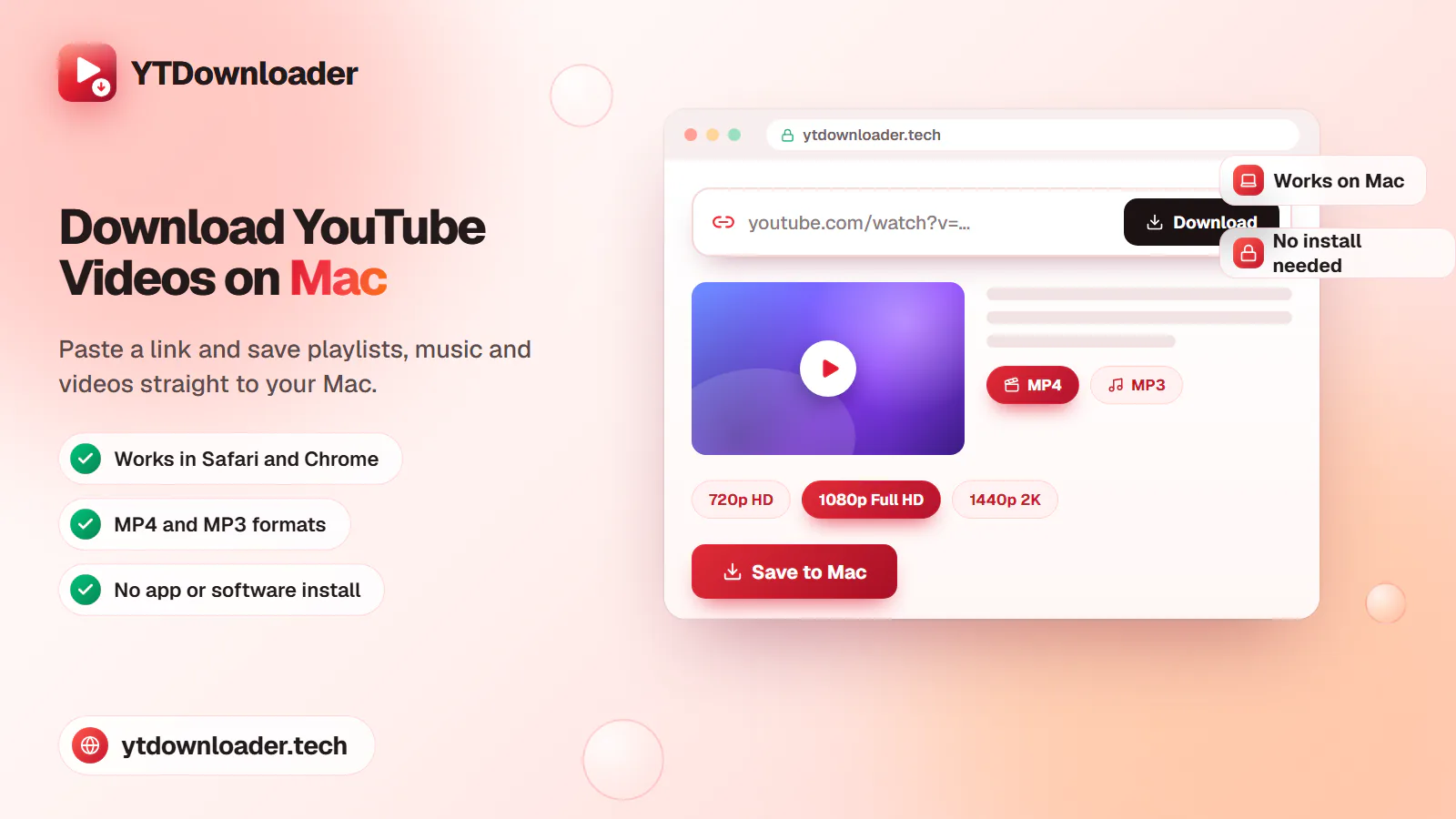
Save entire YouTube playlists, music and videos on Mac as MP4 or MP3 — free, secure and without a premium subscription.
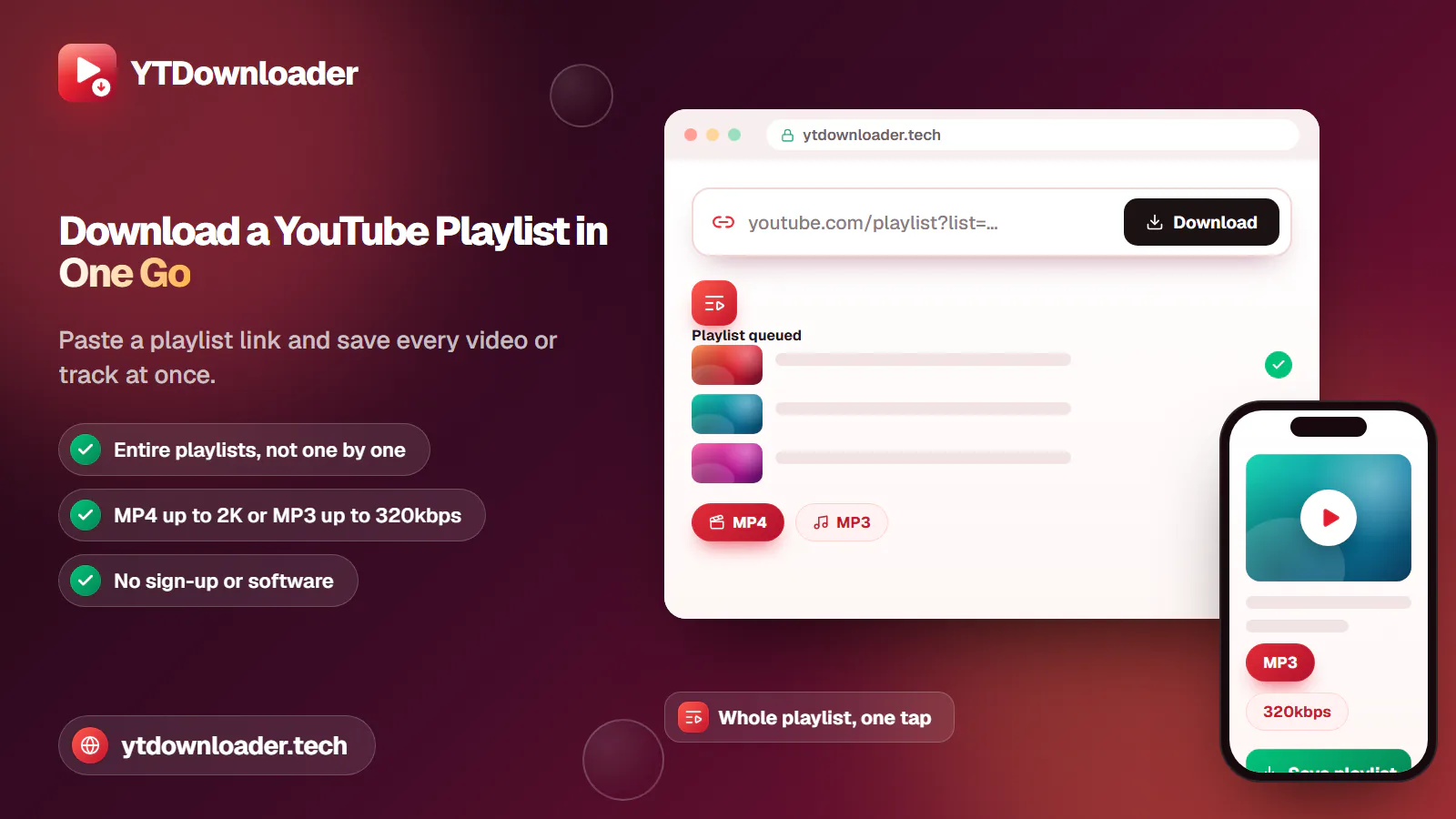
Download an entire YouTube playlist — a music collection, a lecture series or a podcast — in one go, as MP4 or MP3, free and without signup.
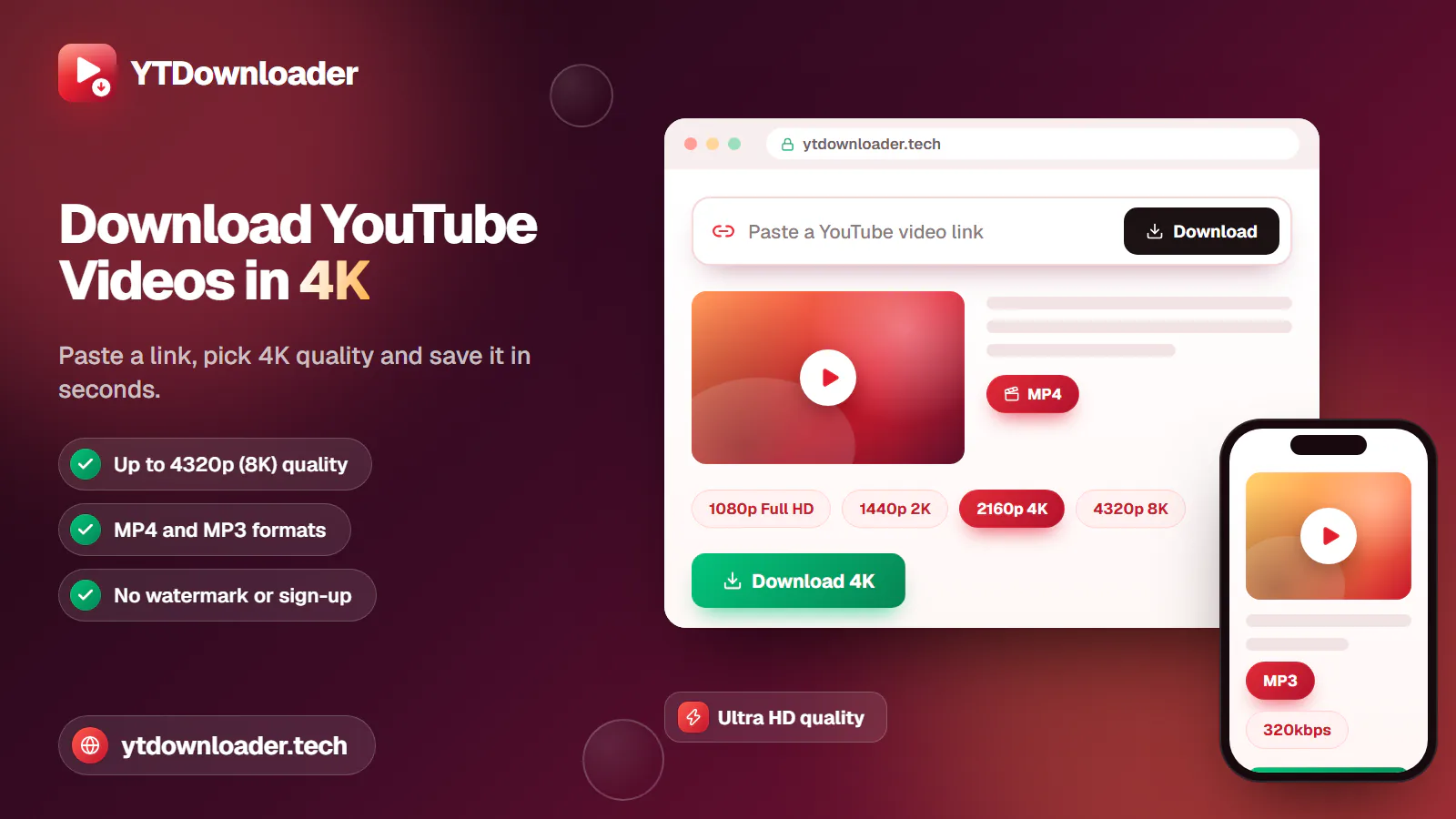
Save YouTube videos and playlists in up to 4K and convert them to MP3 instantly — free, with no watermark, sign-up or daily limit.
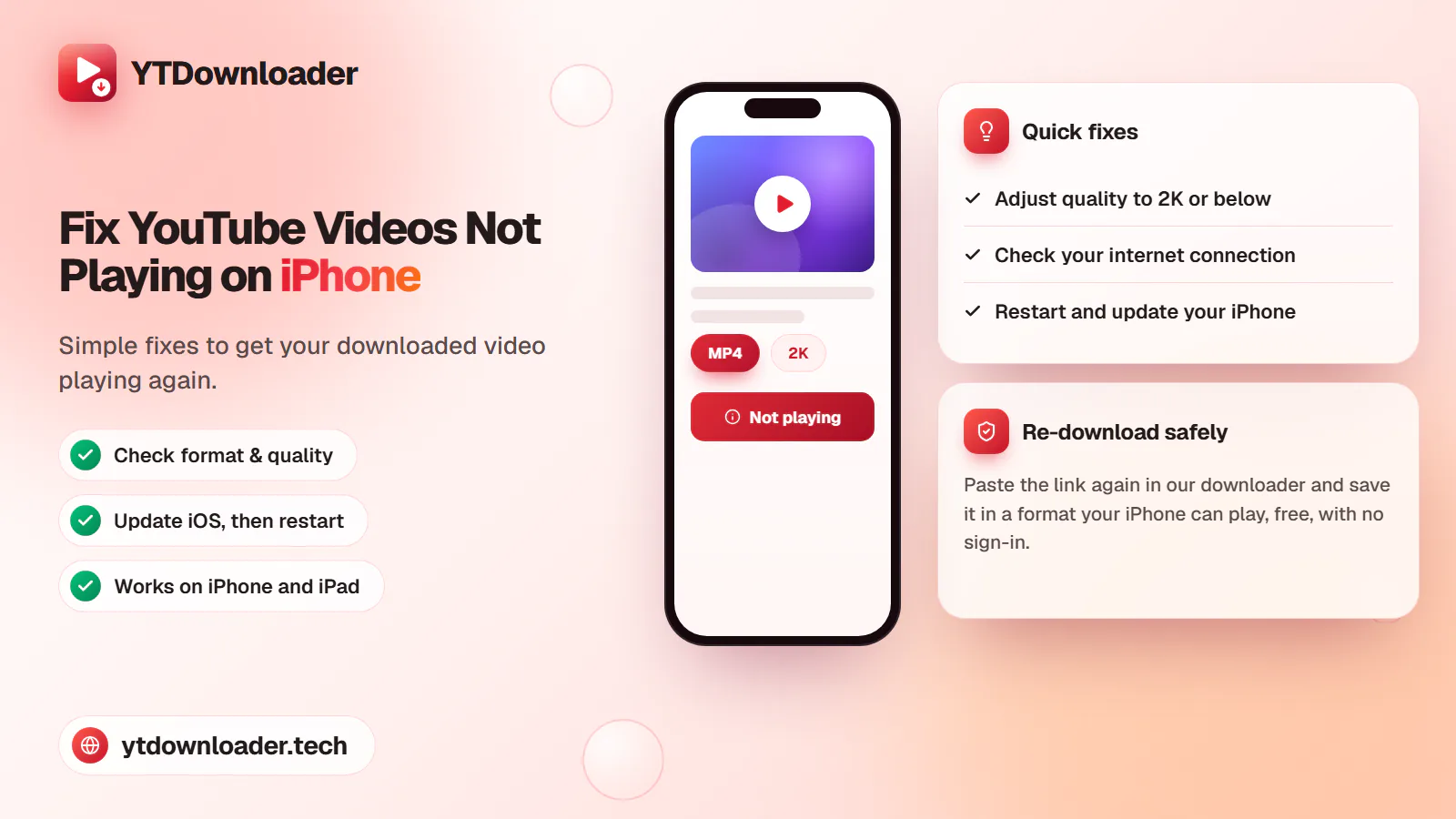
A downloaded YouTube video not playing on iPhone is a quick fix — here's why it happens and how to save videos that play every time.
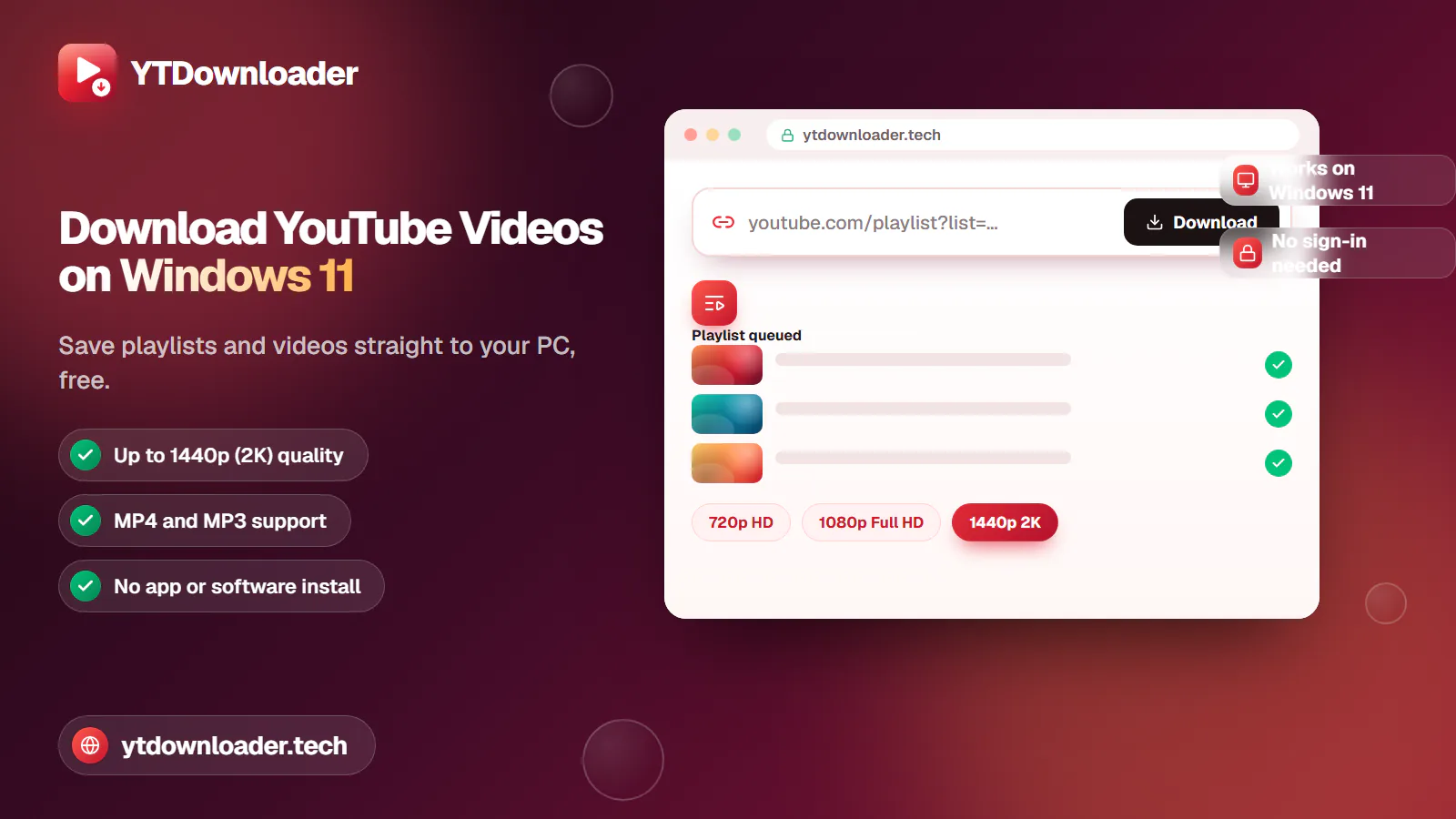
Save entire YouTube playlists and videos on Windows 11, up to 2K Ultra HD, without personal information, an app install or daily limits.
Convert YouTube videos, Shorts and playlists to MP3 audio up to 320 kbps on iPhone, Android, Windows or Mac — free, with no sign-in or software install.
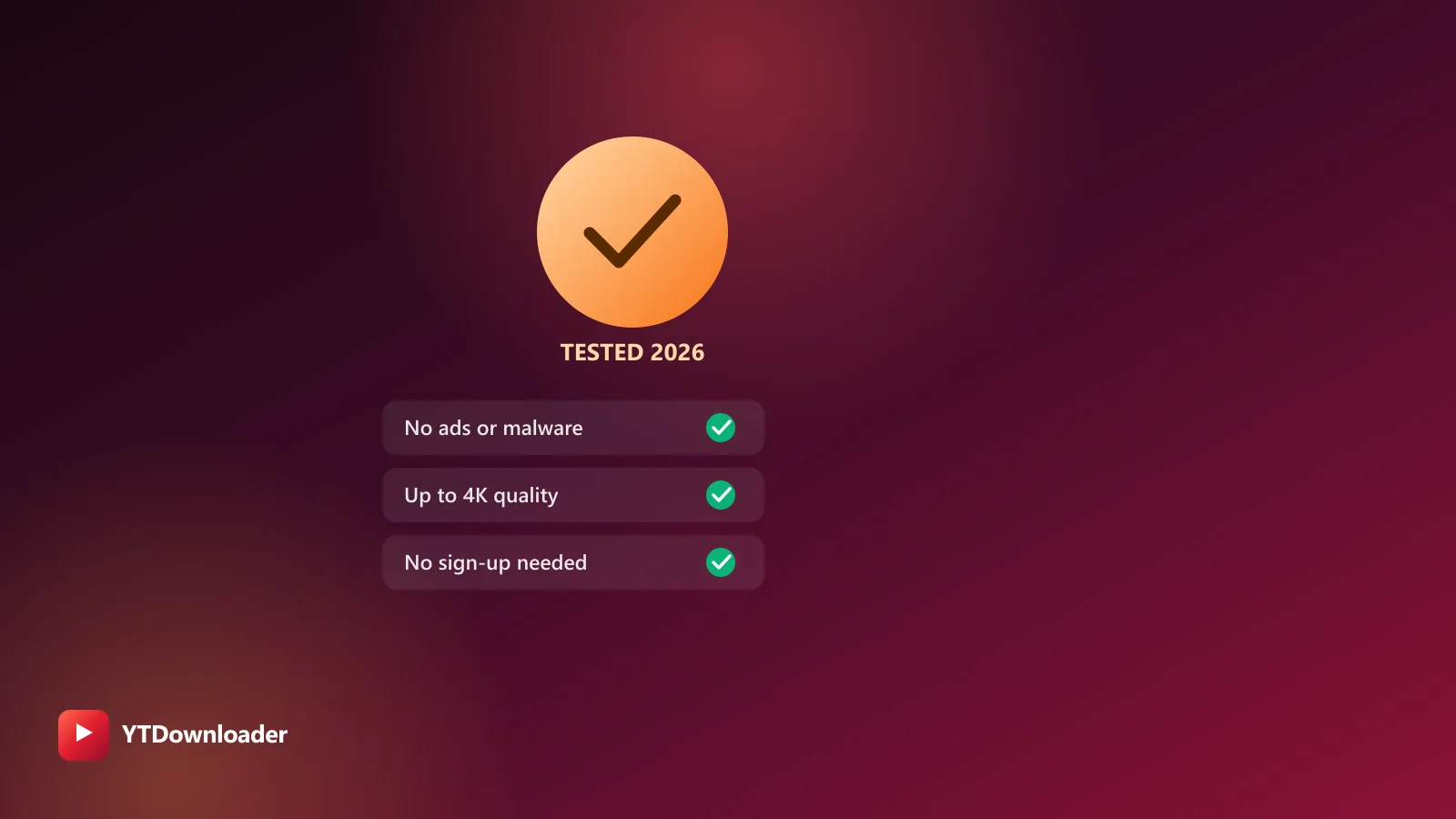
Tested for ads, malware and quality limits — see why our free YouTube downloader saves videos, music and entire playlists up to 4K, with no sign-up.