Plays on Every Device
The same MP3 file works on PC, Mac, Android, iPhone, car stereos and most MP3 players, with nothing extra to set up.
Quick answer
YouTube MP3 Downloader is a free, browser-based tool that converts YouTube videos, Shorts and playlists into MP3 audio, up to 320kbps. Paste the link, choose a bitrate and press Download. It works the same way on PC, Mac, Android and iPhone, with no login and nothing to install.
| Price | Free, no sign-up needed |
|---|---|
| Quality | 128kbps, 192kbps or 320kbps |
| Output | MP3 audio only |
| Devices | PC, Mac, Android and iPhone |
| Software | None — works in any browser |
Whether you're on a laptop at home, an Android phone on the commute, or an iPhone out for a walk, our YouTube MP3 Downloader works the same way everywhere. Paste a video link into the tool, let it load, pick a bitrate up to 320kbps, and save the audio straight to whichever device you're using.
MP3 is one of the most widely supported audio formats there is, so the same file plays cleanly on phones, tablets, laptops, car stereos and smart speakers, with no conversion or extra app needed once it's downloaded.
It allows unlimited YouTube-to-MP3 conversions for offline listening, completely safe and free, with no login or software install required. Only save Creative Commons content, public-domain media, or videos you own — saving someone else's video as MP3 without permission is against the law.
Step by step
Convert any video into MP3 in just a few clicks, whether you're on your phone, tablet, PC or Mac.
Key features
The same MP3 file works on PC, Mac, Android, iPhone, car stereos and most MP3 players, with nothing extra to set up.
A secure HTTPS connection with no forced installation or account — just paste a link and convert.
Choose 128kbps, 192kbps or 320kbps, with full control over sound quality and file size.
Paste the link and save the audio file to your device within seconds, on almost any connection.
Build a playlist of songs, podcasts and lectures by converting as many videos as you want, free, anytime.
MP3 plays smoothly across almost every device and media player, so you only need to save it once.
Choosing quality
128kbps is a good fit for casual talks, podcasts and lectures.
192kbps works well for everyday music streaming.
320kbps is best for headphones, speakers and car stereos, thanks to its detailed audio.
Good to know
Only convert videos you own, Creative Commons or public-domain media, or content you have clear permission to use.
Never share, reupload or resell downloaded audio for personal benefit.
Our tool works straight through your browser, with no software install or premium subscription required.
Avoid unrelated sites with harmful ads, fake buttons or pushed downloads.
Tips
Prefer official music videos before converting to MP3 — official uploads usually have clearer audio.
Save music at up to 320kbps for headphones, speakers or car stereos, or choose 128kbps for podcasts and lectures.
Use a stable internet connection while converting to prevent errors or corrupted files.
Avoid unsafe sites with excessive ads or suspicious links to keep your device secure.
Preview the file before saving to confirm it's the right video.
Rename files and keep artists, genres or playlists organized across your devices.
In short
It's a quick, reliable way to convert as many YouTube videos as you want into MP3, ready to play on PC, Mac, Android, iPhone or any car stereo and MP3 player you own. No login, personal details or software install needed — paste the link, choose MP3 and a bitrate, then hit Download.
Questions
Copy the video link and paste it into the YouTube to MP3 converter. The tool fetches the audio and lets you save it to your device for offline listening.
Yes — MP3 is one of the most compatible audio formats, so the same file plays on PC, Mac, Android, iPhone, car stereos and most media players.
Yes, it's a free online tool that never asks for fees or a subscription. Open it through your browser for unlimited conversions.
320kbps is best for detailed audio, though it needs more storage. 128kbps is a good balance of quality and size.
Yes — copy the URL of a playlist and paste it into the tool to convert every video in it.
Of course — it's a web-based tool, so your browser on iPhone, Mac, Android or PC is all you need.
No — there's no login and no personal details needed at any point.
You may have chosen a lower bitrate — pick 320kbps next time for better sound quality.
Yes — Shorts convert to MP3 the same way as any other video.
No — the tool works entirely through your browser, with nothing to install.
Paste a YouTube link and save the audio in seconds, up to 320kbps.
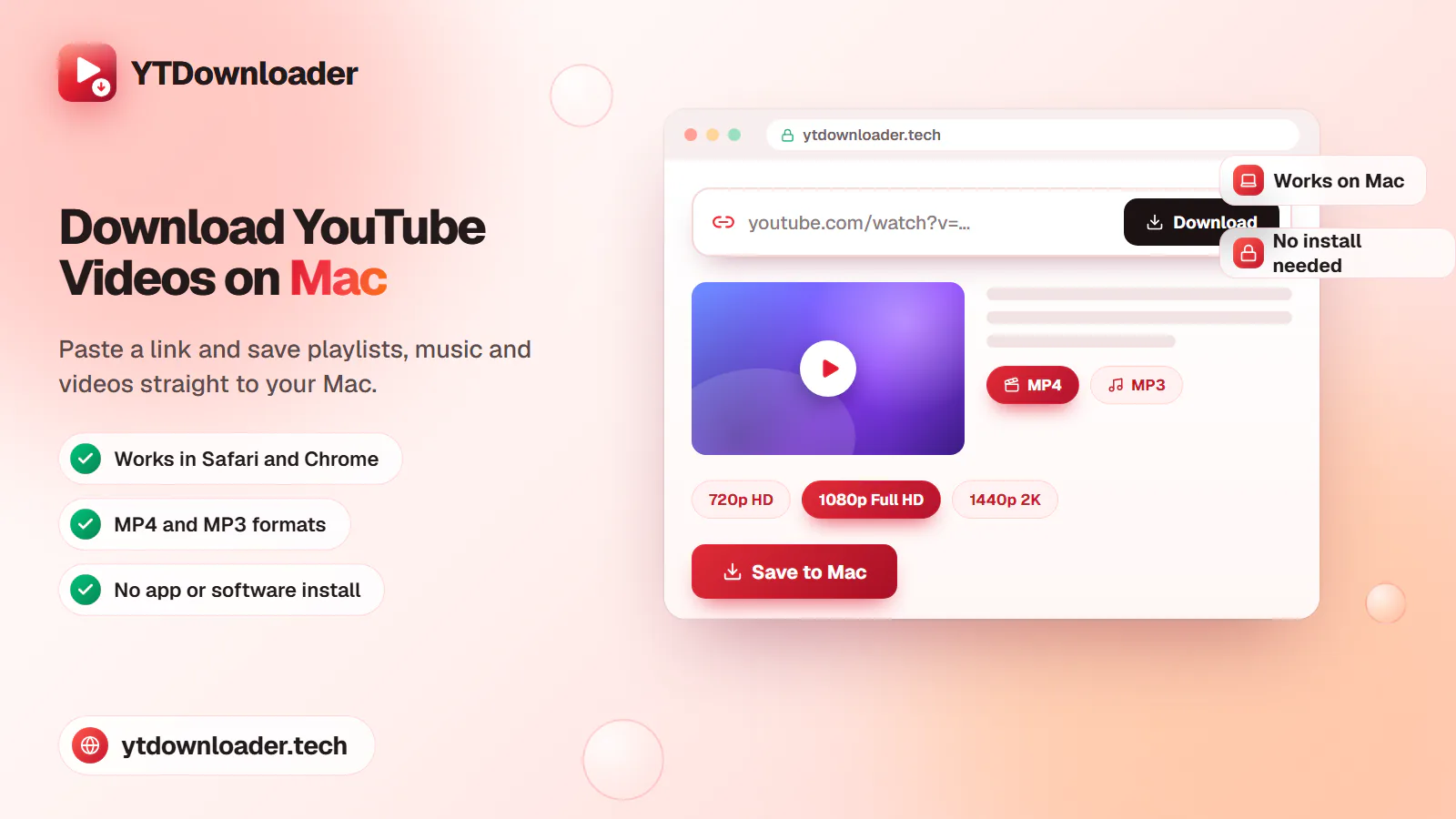
Save entire YouTube playlists, music and videos on Mac as MP4 or MP3 — free, secure and without a premium subscription.
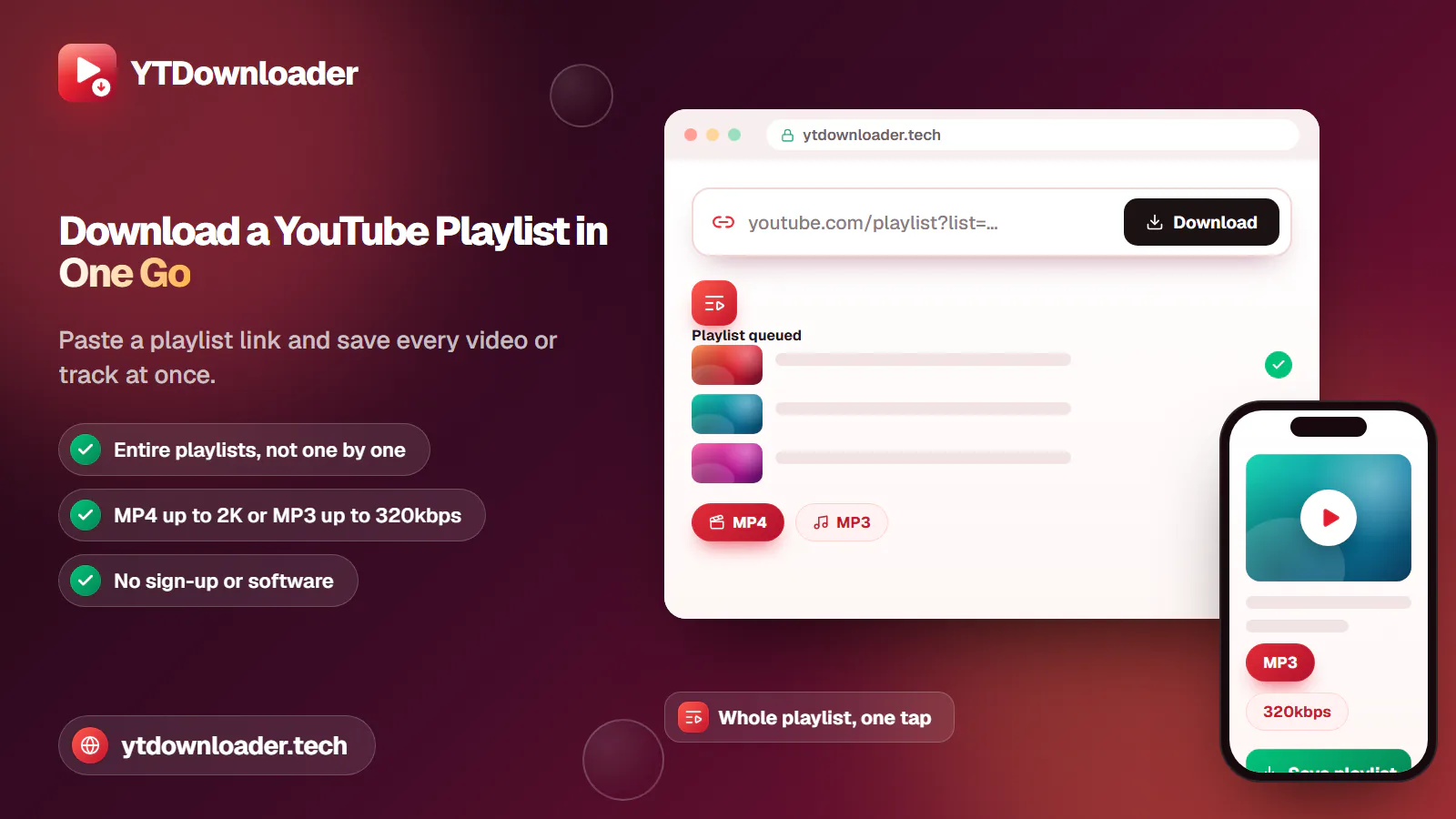
Download an entire YouTube playlist — a music collection, a lecture series or a podcast — in one go, as MP4 or MP3, free and without signup.
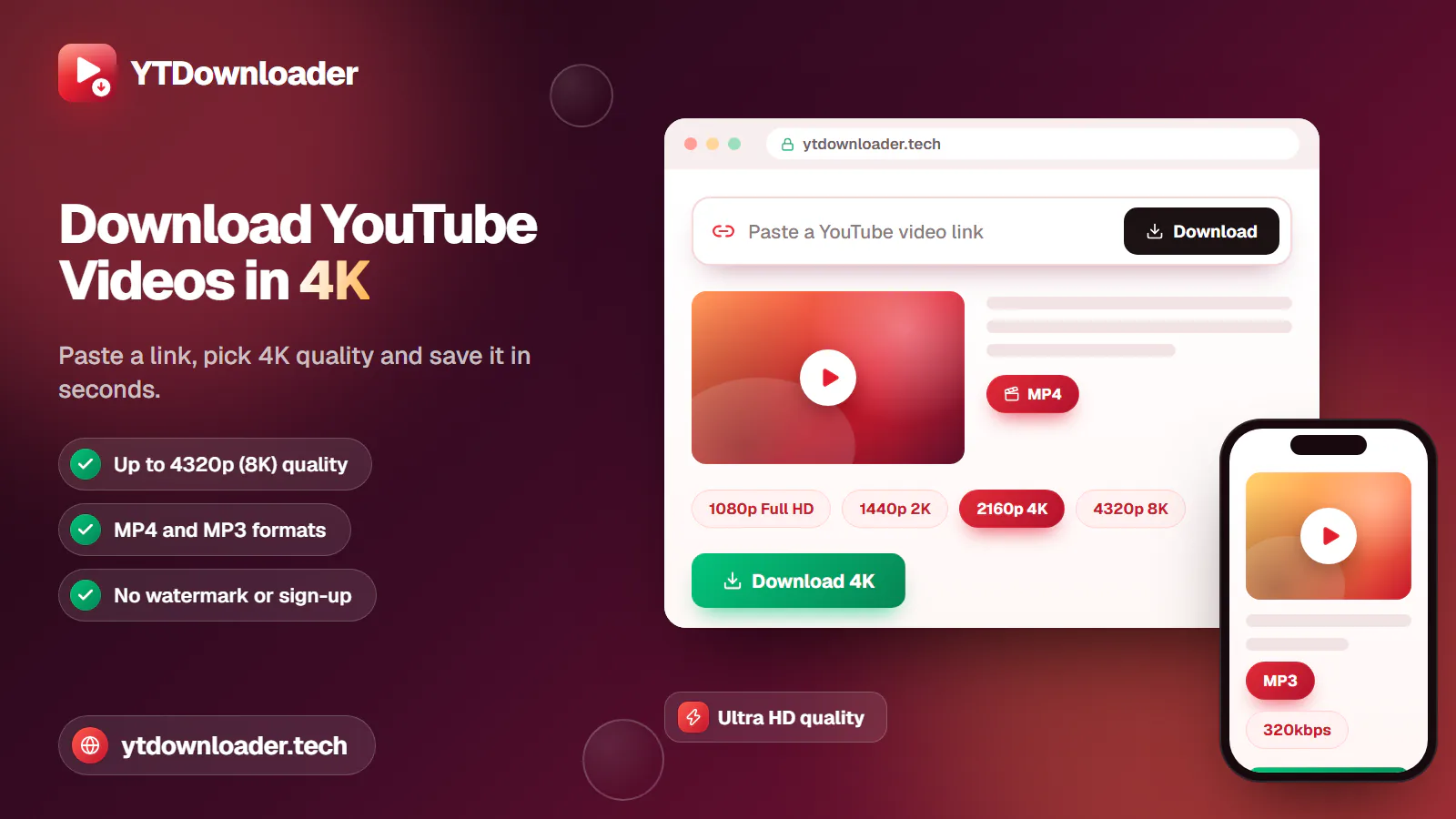
Save YouTube videos and playlists in up to 4K and convert them to MP3 instantly — free, with no watermark, sign-up or daily limit.
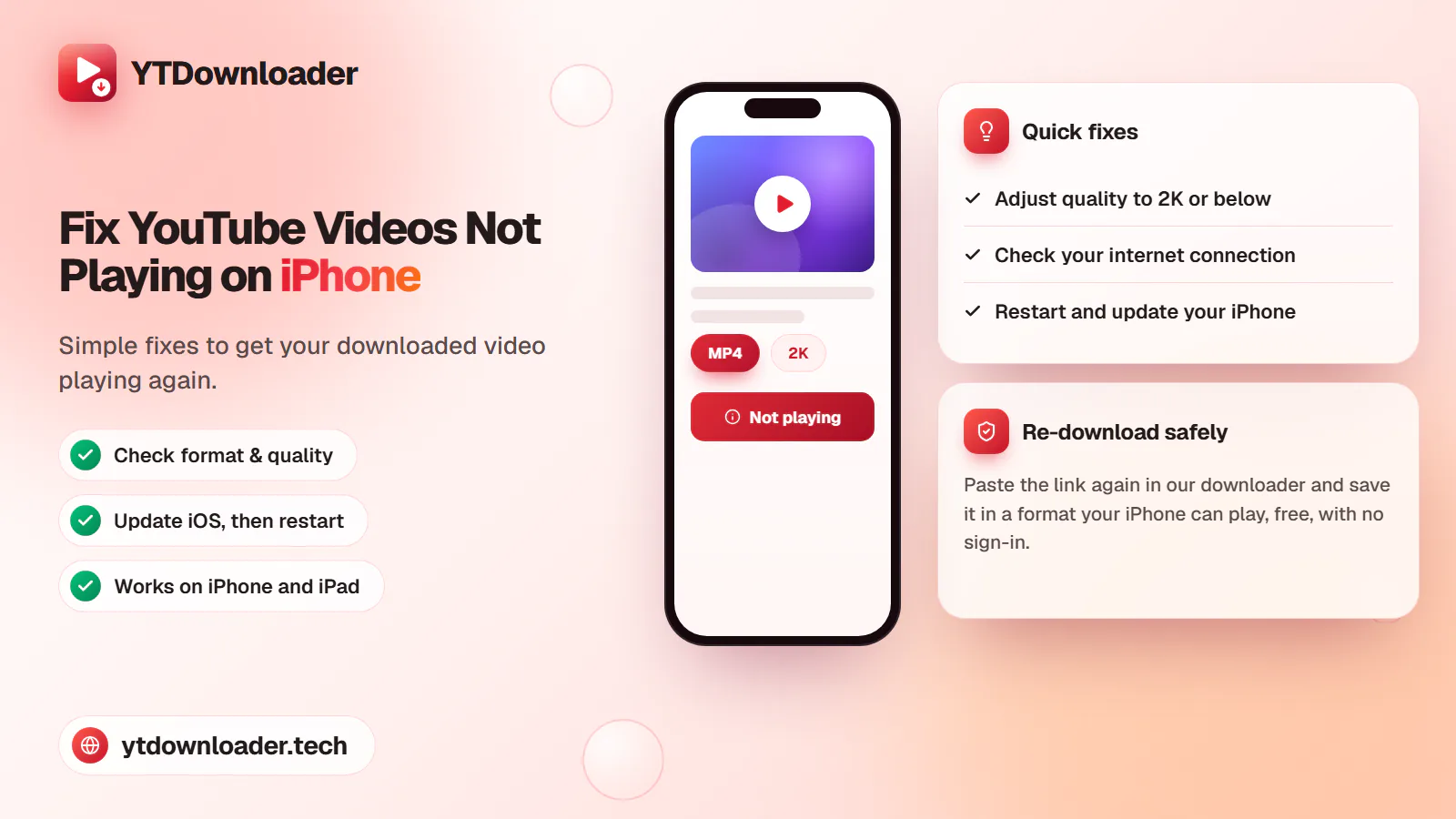
A downloaded YouTube video not playing on iPhone is a quick fix — here's why it happens and how to save videos that play every time.
Save entire YouTube playlists and videos on Windows 11, up to 2K Ultra HD, without personal information, an app install or daily limits.
Convert YouTube videos, Shorts and playlists to MP3 audio up to 320 kbps on iPhone, Android, Windows or Mac — free, with no sign-in or software install.
Tested for ads, malware and quality limits — see why our free YouTube downloader saves videos, music and entire playlists up to 4K, with no sign-up.