Same Tool, Every Device
Use the exact same downloader on your iPhone as you would on a PC, Mac or Android phone — only the browser changes.
Quick answer
YouTube Downloader for iPhone is a free, browser-based tool that saves YouTube videos and audio straight to your iPhone — the same tool you'd use on a PC, Mac or Android phone, just opened through Safari instead. Apple doesn't allow third-party downloader apps, so everything runs in the browser. Paste a link, choose MP4 or MP3 and a quality, then save — it works the same on iPhone and iPad.
| Price | Free, no login needed |
|---|---|
| Quality | SD up to Full HD and 4K |
| Formats | MP4 video or MP3 audio |
| Device | iPhone and iPad, via Safari or any browser |
| App install | None — same tool as on PC or Android |
Already use our downloader on a laptop or Android phone? The iPhone version works exactly the same way — open it in Safari, pick a format and quality, and save straight to your device, with nothing extra to set up.
It's a secure, browser-based tool that never asks for personal details, so there's no account to create and no risk of ads, malware or pop-ups. Save YouTube videos as MP4 in SD, HD, Full HD or 4K to watch offline on a flight, a road trip, or anywhere the connection drops.
Unlike other tools, it never asks for a premium plan. Just open it and paste the link of videos you own, Creative Commons or public-domain content, or someone else's video only with permission — downloading or reusing someone's media without permission goes against YouTube's terms.
Good to know
Apple doesn't allow third-party downloader apps on iOS, but an online YouTube video downloader works just fine on iPhone because everything happens through the browser, without needing access to internal storage. Open it in Safari, choose MP4 or MP3, and tap Download. It's free, needs no install, and works the same way it does on your PC or Android phone.
Step by step
Saving a video on iPhone takes the same few taps as on any other device — here's how it works on iPhone and iPad.
Benefits
Use the exact same downloader on your iPhone as you would on a PC, Mac or Android phone — only the browser changes.
Save YouTube videos to your iPhone to watch offline on a flight, a road trip, or anywhere the signal drops.
No fees on our site, unlike YouTube Premium or other paid downloaders — keep using it completely free.
YouTube doesn't let you save videos to local storage even from your own account — now you can download to MP4 or MP3 for personal or educational use.
Since Apple blocks downloader apps from the App Store, this tool works safely through Safari instead.
Most videos are ready to save within seconds of pasting the link.
Formats & quality
YouTube to MP4 saves the full video in MP4 format — watch it offline, edit it, or share it with permission.
Convert YouTube videos, Shorts and playlists to audio with YouTube to MP3 for offline listening.
Choose a quality from 720p and 1080p up to 4K, matching what the same tool offers on PC or Android.
Download videos and Shorts with subtitles as SRT files for better accessibility.
On iPhone, downloaded files land in Safari's default download folder, just as they would on a laptop. You can also find them in the Files app, then move them to your Photos app from there.
Tips
Use a stable Wi-Fi connection when downloading in 4K or Full HD to avoid an incomplete file.
Choose MP4 if you want the video, or MP3 if you only need the audio, to save space on your iPhone.
Check your free storage before downloading several high-quality videos in a row.
Preview the video before saving to make sure it's the right one.
Only save Creative Commons, public-domain content, or videos you have permission to use.
In short
YouTube Downloader for iPhone brings the same simple tool you already use on PC, Mac or Android straight to Safari, with no app install, no login and no fees. Paste a link, choose MP4 or MP3 and your preferred quality, then save in seconds — ready to watch or listen offline anywhere in Canada.
Questions
Yes — open Safari, search for a YouTube downloader, open the tool, and paste the video link to save it, free of charge.
No app or software needed — just a modern browser and an internet connection, the same as on a PC or Android phone.
It depends on whether the video is for personal or commercial use. Downloading from your own account is fine; saving someone else's without permission is not.
Use an online downloader through Safari, then export the saved file from your downloads into your camera roll.
Yes — if the original is available in 4K, you can save it at that quality, provided you have enough free storage.
Convert the music video to MP3 first using the online downloader, then save the audio to your iPhone for offline listening.
This usually happens when storage is full, the link is wrong, the video is private, or you've tapped a fake download button.
Yes — it's the exact same YouTube downloader, just opened through Safari on your iPhone instead of a browser on PC or Mac.
Paste a YouTube link and save video or audio in seconds, right in Safari.
Save entire YouTube playlists, music and videos on Mac as MP4 or MP3 — free, secure and without a premium subscription.
Download an entire YouTube playlist — a music collection, a lecture series or a podcast — in one go, as MP4 or MP3, free and without signup.
Save YouTube videos and playlists in up to 4K and convert them to MP3 instantly — free, with no watermark, sign-up or daily limit.
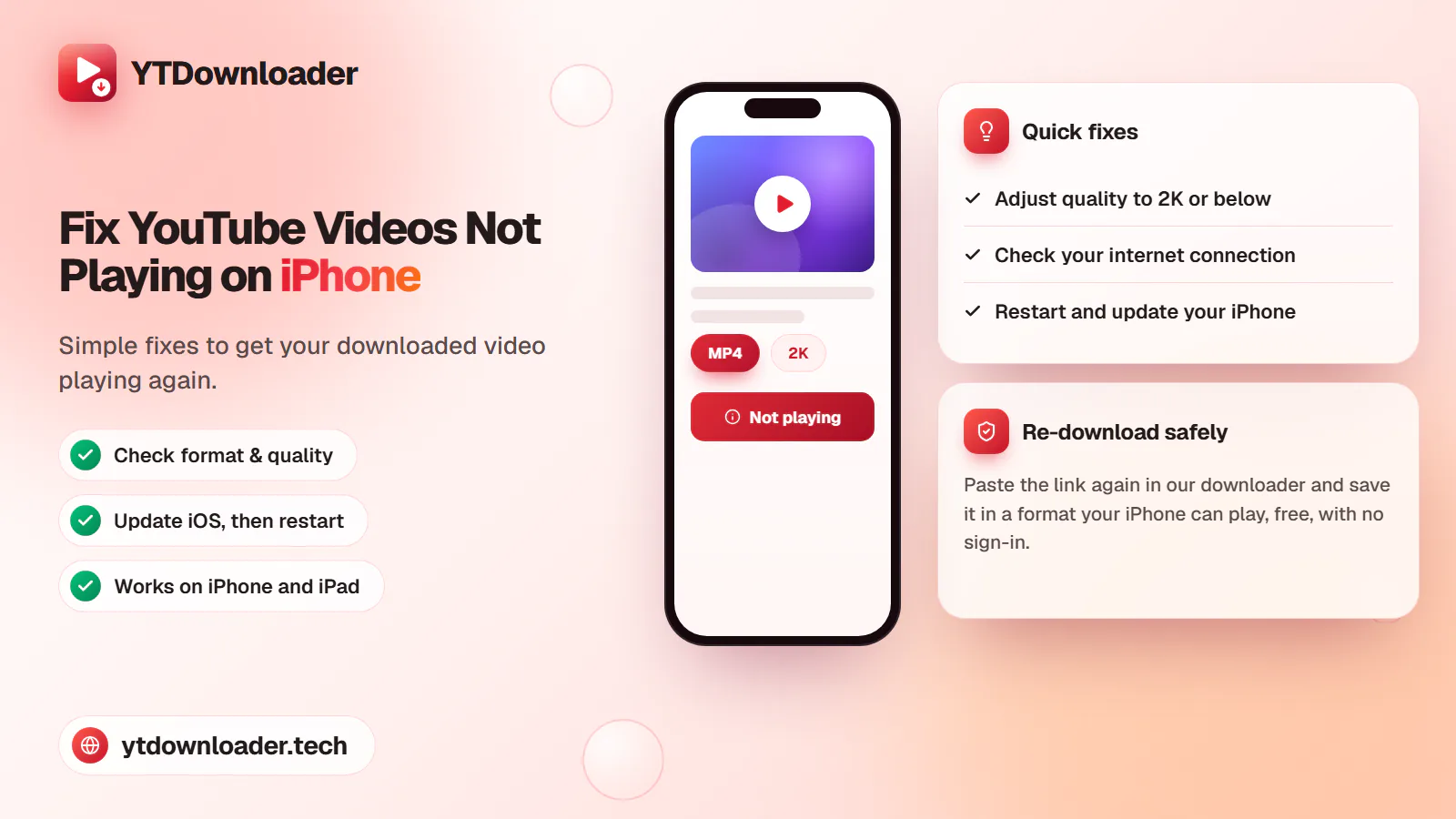
A downloaded YouTube video not playing on iPhone is a quick fix — here's why it happens and how to save videos that play every time.
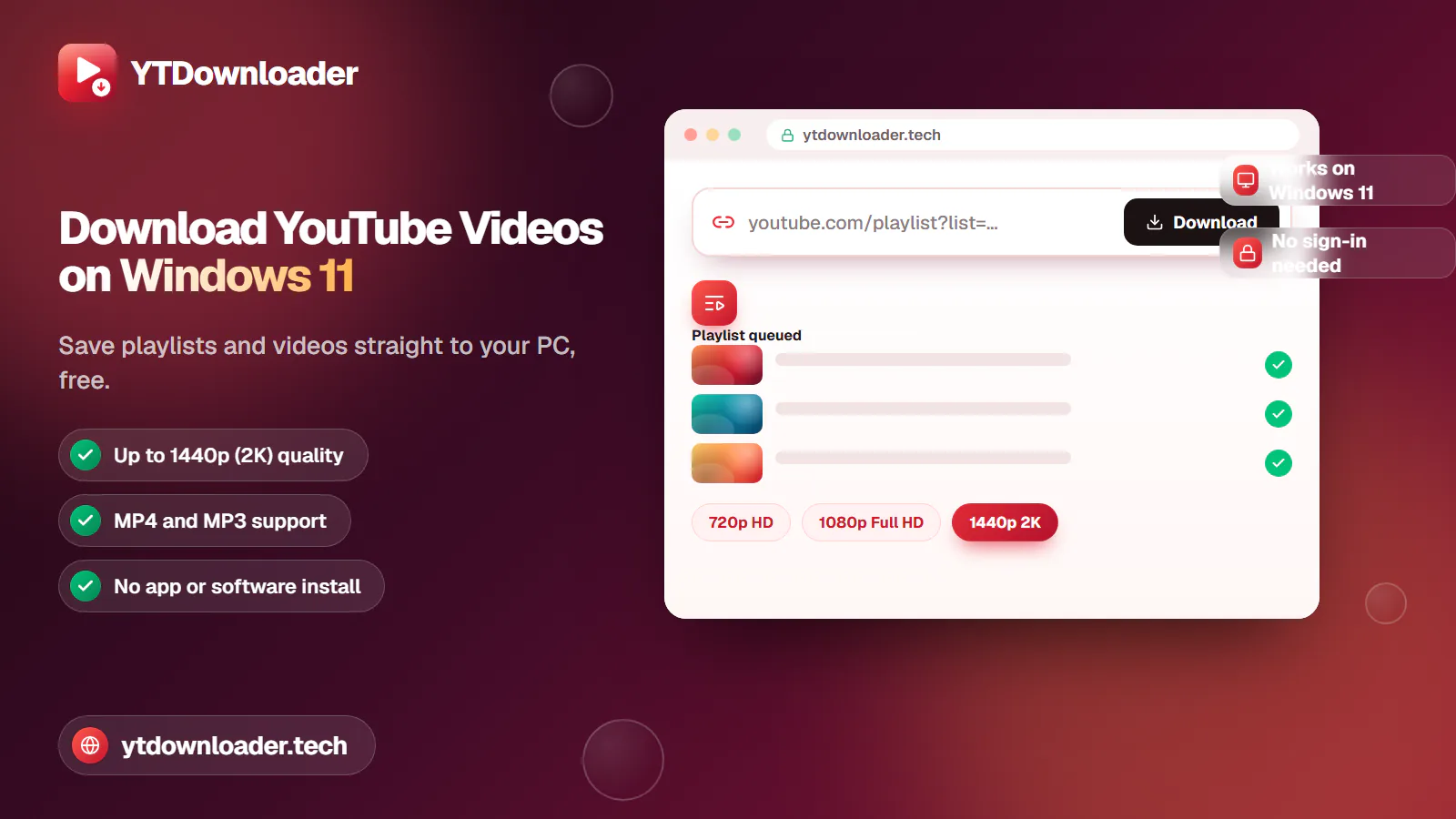
Save entire YouTube playlists and videos on Windows 11, up to 2K Ultra HD, without personal information, an app install or daily limits.
Convert YouTube videos, Shorts and playlists to MP3 audio up to 320 kbps on iPhone, Android, Windows or Mac — free, with no sign-in or software install.
Tested for ads, malware and quality limits — see why our free YouTube downloader saves videos, music and entire playlists up to 4K, with no sign-up.